

Tentative
9:00 AM – 5:00 PM EST
Reserve Your Seat
- Virtual instructor Led Training
- Complete Hands-on Labs
- Softcopy of Courseware
- Learning Labs
- Virtual instructor Led Training
- Complete Hands-on Labs
- Softcopy of Courseware
- Learning Labs
- You can use your Purchase Card and checkout
- The GSA Contract Number: 47QTCA20D000D
- Call 800-453-5961 for details
- Customize your class
- Delivery Onsite or Online for your organization
- Choice of Dates when and where you want
- Guidance in choosing and customizing your class
Question About this Course?
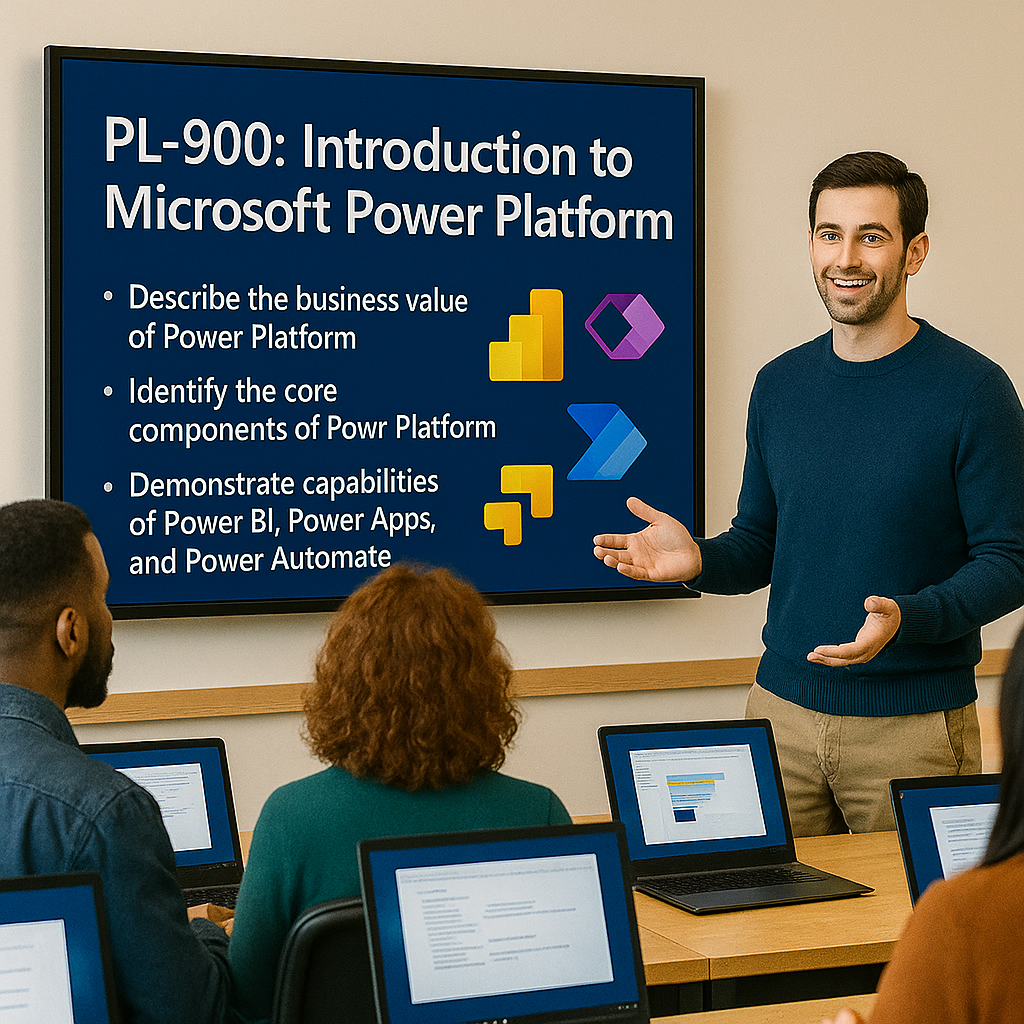
PL-900T00: Introduction to Microsoft Power Platform
Instructor-led Microsoft Power Platform Fundamentals training for students, business users, app makers, functional consultants, analysts, and professionals who want to understand the business value and core capabilities of Microsoft Power Platform.
This course introduces Microsoft Power Platform as a low-code platform for building business applications, automating processes, connecting data, creating external websites, and improving productivity with copilots.
Certification URL: https://learn.microsoft.com/en-us/credentials/certifications/power-platform-fundamentals/
Study guide URL: https://learn.microsoft.com/en-us/credentials/certifications/resources/study-guides/pl-900
Course code: PL-900T00
Why choose Dynamics Edge for PL-900T00 training?
Dynamics Edge delivers PL-900 training with a practical business solution focus. This course is designed for learners who need to understand how Microsoft Power Platform can be used to modernize business processes, improve productivity, and support low-code innovation.
- Learn the business value of Microsoft Power Platform.
- Understand how Power Apps, Power Automate, Power Pages, Dataverse, connectors, and copilots work together.
- Prepare for the Microsoft Certified: Power Platform Fundamentals certification.
- Build confidence with demos, labs, review questions, and real-world business examples.
- Customize the class for business teams, government users, app maker enablement, or enterprise adoption.
What will you learn in PL-900T00 training?
This course teaches the fundamentals of Microsoft Power Platform and how the platform can be used to create tailored business solutions. Students learn how to connect data with Microsoft Dataverse and connectors, build apps with Power Apps, automate processes with Power Automate, create secure business websites with Power Pages, and improve productivity with copilots.
- Describe the business value of Microsoft Power Platform.
- Explain how Microsoft Dataverse, connectors, and environments support business solutions.
- Demonstrate the capabilities of Power Apps for low-code application development.
- Demonstrate the capabilities of Power Automate for workflow and process automation.
- Demonstrate the capabilities of Power Pages for secure external websites.
Course Outline Introduction to Microsoft Power Platform PL-900T00
Module 1: Describe the business value of Microsoft Power Platform
Students begin by learning how Microsoft Power Platform helps organizations solve business problems with low-code tools, data connectivity, automation, apps, websites, and copilots. This module explains how Power Platform services work together and how they extend Microsoft 365, Teams, Dynamics 365, and other business systems.
Topics include:
- Microsoft Power Platform products and business value.
- Power Apps, Power Automate, Power Pages, Dataverse, connectors, and copilots.
- Standard and premium connectors for data and service integration.
- Power Fx as a low-code formula language.
- Microsoft 365, Teams, and Power Platform solution integration.
Module 2: Manage a Microsoft Power Platform environment
Students learn the foundational components used to manage Power Platform solutions. This module introduces Microsoft Dataverse, tables, columns, relationships, business logic, environments, security, governance, and administration.
Topics include:
- Microsoft Dataverse and the Common Data Model.
- Tables, columns, relationships, and business logic.
- Importing and exporting data.
- Environments, managed environments, and admin centers.
- Security roles, data loss prevention policies, privacy, accessibility, and ALM concepts.
Module 3: Demonstrate the capabilities of Microsoft Power Apps
Students learn how Power Apps helps users build low-code business applications. This module compares canvas apps and model-driven apps, introduces Power Apps Studio, and explains how apps connect to data and support business processes.
Topics include:
- Canvas apps and model-driven apps.
- Power Apps Studio, galleries, forms, controls, and formulas.
- Views, forms, navigation, and model-driven app features.
- Copilot in Power Apps and app creation through conversation.
- App Checker, sharing, responsive design, and app performance basics.
Module 4: Demonstrate the capabilities of Microsoft Power Automate
Students learn how Power Automate helps users automate repetitive work and connect processes across systems. This module introduces cloud flows, desktop flows, triggers, actions, templates, approvals, and monitoring.
Topics include:
- Business value and common Power Automate use cases.
- Automated, instant, scheduled, and desktop flows.
- Triggers, actions, dynamic content, approvals, loops, and branching.
- Copilot in Power Automate and flow creation from templates.
- Flow testing, monitoring, sharing, and troubleshooting.
Module 5: Demonstrate the capabilities of Microsoft Power Pages
Students learn how Power Pages helps organizations create secure external websites for customers, partners, and users outside the organization. This module introduces site creation, design studio, pages, data integration, security, and Copilot-assisted authoring.
Topics include:
- Power Pages use cases for secure business websites.
- Site creation with templates and Copilot.
- Design studio, pages workspace, themes, and components.
- Connecting Power Pages sites to Dataverse data.
- Site security, authentication, authorization, and administrative experiences.
Certification Alignment
This course aligns to Microsoft Certified: Power Platform Fundamentals and Exam PL-900: Microsoft Power Platform Fundamentals.
Microsoft’s PL-900 study guide lists the current skills measured as:
- Describe the business value of Microsoft Power Platform: 15–20%.
- Manage the Microsoft Power Platform environment: 15–20%.
- Demonstrate the capabilities of Power Apps: 25–30%.
- Demonstrate the capabilities of Power Automate: 15–20%.
- Demonstrate the capabilities of Power Pages: 10–15%.
Course Review
By the end of this course, students should be able to explain the business value of Microsoft Power Platform, describe how Power Platform services work together, understand Dataverse and environments, build awareness of app development with Power Apps, describe automation with Power Automate, and explain how Power Pages supports secure external websites.
Certification Exam Review
This course supports preparation for Exam PL-900 by covering the core Power Platform fundamentals tested in the certification exam. Students should review the Microsoft study guide, complete hands-on labs, use the Microsoft practice assessment, and practice identifying business scenarios for Power Apps, Power Automate, Power Pages, Dataverse, connectors, governance, and copilots.
Question About this Course?
Need help picking the right course?
Call Now