

Reserve Your Seat
- Virtual instructor Led Training
- Complete Hands-on Labs
- Softcopy of Courseware
- Learning Labs
- Virtual instructor Led Training
- Complete Hands-on Labs
- Softcopy of Courseware
- Learning Labs
- You can use your Purchase Card and checkout
- The GSA Contract Number: 47QTCA20D000D
- Call 800-453-5961 for details
- Customize your class
- Delivery Onsite or Online for your organization
- Choice of Dates when and where you want
- Guidance in choosing and customizing your class
Question About this Course?
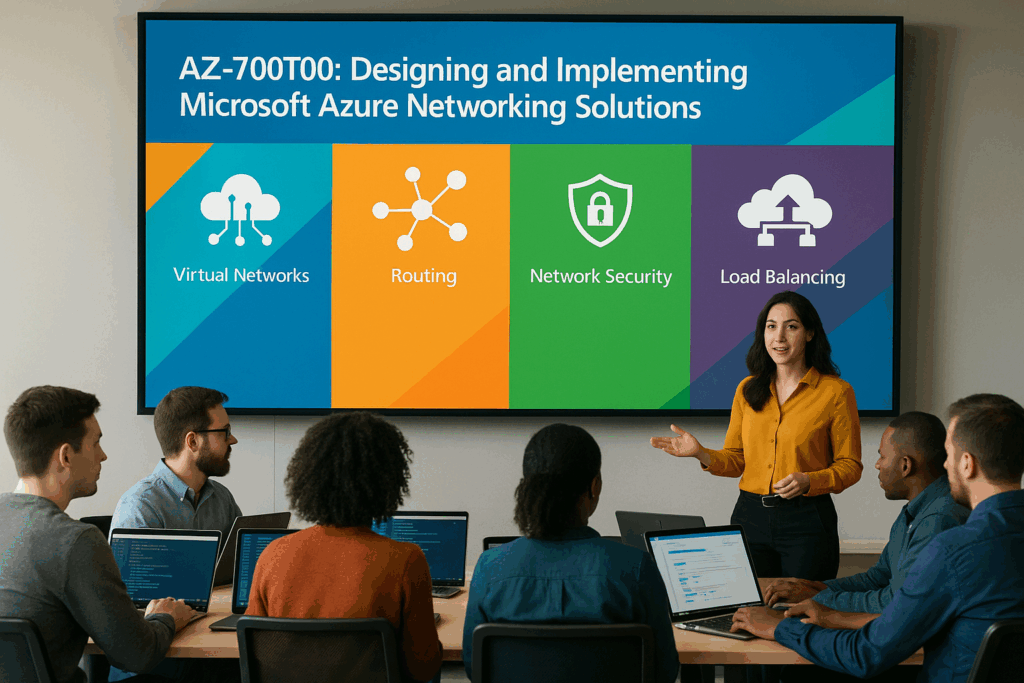
AZ-700T00: Design and Implement Microsoft Azure Network Solutions
AZ-700T00: Design and Implement Microsoft Azure Network Solutions is an instructor-led course for Azure Network Engineers who design, implement, secure, monitor, and maintain Azure networking solutions.
Students learn how to design and implement Azure virtual networks, IP addressing, DNS, routing, VNet peering, VPN Gateway, ExpressRoute, Virtual WAN, load balancing, Application Gateway, Front Door, private access, network security, firewall services, and network monitoring.
Certification: Microsoft Certified: Azure Network Engineer Associate
Exam: AZ-700: Designing and Implementing Microsoft Azure Networking Solutions
Duration: 3 days
Audience: Azure network engineers, cloud network engineers, infrastructure engineers, network administrators, security engineers, cloud administrators, and IT professionals responsible for Azure networking solutions.
Why choose Dynamics Edge for AZ-700 training?
Dynamics Edge delivers AZ-700 training with practical Azure networking examples, hands-on labs, certification review, and implementation-focused discussion. The course helps students understand how to design secure, resilient, scalable, and high-performing Azure network solutions.
- Learn how to design and implement Azure virtual networks, IP addressing, DNS, routing, and VNet connectivity.
- Practice VPN Gateway, ExpressRoute, Virtual WAN, Load Balancer, Traffic Manager, Application Gateway, and Front Door scenarios.
- Configure private access to Azure services using service endpoints, private endpoints, and Private Link concepts.
- Secure Azure networks using DDoS Protection, NSGs, Azure Firewall, Firewall Manager, and Web Application Firewall.
- Prepare for AZ-700 certification exam objectives through structured review and hands-on lab reinforcement.
What will you learn in AZ-700 training?
Students learn how to design, implement, manage, secure, monitor, and troubleshoot Azure networking solutions used in enterprise cloud environments.
- Design and implement core Azure networking infrastructure, including VNets, subnets, IP addressing, DNS, routing, and VNet peering.
- Design and implement hybrid connectivity using VPN Gateway, ExpressRoute, and Azure Virtual WAN.
- Design and implement application delivery services using Azure Load Balancer, Traffic Manager, Application Gateway, and Azure Front Door.
- Design and implement private access to Azure services using service endpoints, private endpoints, and Private Link.
- Secure and monitor Azure networks using DDoS Protection, NSGs, Azure Firewall, Firewall Manager, WAF, Azure Monitor, and Network Watcher.
Course Outline: Microsoft Azure Network Solutions AZ-700
Module 1: Design and implement core networking infrastructure
Students learn how to design Azure virtual networks, IP addressing, subnetting, public IP addresses, name resolution, routing, and VNet connectivity. This module builds the foundation for secure and scalable Azure network architecture.
Topics include:
- Plan Azure virtual networks, subnets, and IP address spaces.
- Configure public and private IP addressing.
- Design and configure Azure DNS and private DNS zones.
- Configure VNet peering and global VNet peering.
- Implement route tables, user-defined routes, NAT Gateway, and Route Server concepts.
Module 2: Design and implement VPN Gateway solutions
Students learn how to design and configure site-to-site and point-to-site VPN connectivity for Azure environments. The module covers gateway SKUs, VPN types, tunnel configuration, high availability, and troubleshooting.
Topics include:
- Design site-to-site VPN connectivity.
- Configure virtual network gateways and local network gateways.
- Configure point-to-site VPN access.
- Plan active-active and high-availability VPN designs.
- Troubleshoot VPN gateway connectivity.
Module 3: Design and implement Azure Virtual WAN
Students learn how Azure Virtual WAN supports large-scale branch, site, remote user, and cloud connectivity. The module covers virtual hubs, hub routing, VPN/ExpressRoute integration, and secured virtual hubs.
Topics include:
- Design Azure Virtual WAN architecture.
- Create Virtual WAN hubs.
- Connect virtual networks to virtual hubs.
- Plan hub routing and gateway scale units.
- Compare Virtual WAN with traditional hub-and-spoke networking.
Module 4: Design and implement Azure ExpressRoute
Students learn how ExpressRoute provides private connectivity between on-premises networks and Azure. The module covers connectivity models, private peering, Microsoft peering, gateways, circuits, resiliency, FastPath, and Global Reach.
Topics include:
- Select ExpressRoute connectivity models, SKUs, and tiers.
- Configure ExpressRoute gateways.
- Provision ExpressRoute circuits.
- Configure private and Microsoft peering.
- Plan resiliency, FastPath, Global Reach, and troubleshooting.
Module 5: Design and implement load balancing and traffic management
Students learn how to distribute traffic across Azure workloads. The module compares Azure Load Balancer, Traffic Manager, Application Gateway, and Front Door for internal, external, regional, and global application delivery scenarios.
Topics include:
- Configure Azure Load Balancer.
- Configure health probes and load balancing rules.
- Configure Traffic Manager profiles and endpoints.
- Compare regional and global traffic distribution options.
- Select the right load balancing solution for application requirements.
Module 6: Design and implement Azure Application Gateway and Azure Front Door
Students learn how to provide secure application delivery using Layer 7 routing, TLS termination, path-based routing, redirection, rewrite rules, health probes, and global front-end delivery.
Topics include:
- Deploy Azure Application Gateway.
- Configure backend pools, listeners, probes, and rules.
- Configure Azure Front Door for highly available web applications.
- Compare Application Gateway and Front Door scenarios.
- Review Web Application Firewall integration options.
Module 7: Design and implement Azure network security services
Students learn how to secure Azure network connectivity using DDoS Protection, network security groups, application security groups, Azure Firewall, Azure Firewall Manager, and Web Application Firewall.
Topics include:
- Configure DDoS Protection for virtual networks.
- Implement network security groups and application security groups.
- Deploy and configure Azure Firewall.
- Secure virtual hubs using Azure Firewall Manager.
- Design Web Application Firewall deployment scenarios.
Module 8: Design and implement private access to Azure services
Students learn how to restrict access to Azure platform services using service endpoints, private endpoints, and Private Link. The module explains when to use each option and how to validate private access.
Topics include:
- Configure virtual network service endpoints.
- Restrict access to PaaS resources.
- Configure private endpoints and Private Link concepts.
- Compare service endpoints and private endpoints.
- Validate secure access from approved virtual networks.
Module 9: Monitor and troubleshoot Azure networks
Students learn how to monitor Azure network health, performance, diagnostics, and security posture. The module covers Azure Monitor, Network Watcher, diagnostic settings, Network Insights, connection troubleshooting, and load balancer monitoring.
Topics include:
- Configure Azure Monitor for network resources.
- Monitor load balancer resources.
- Configure diagnostic settings and Log Analytics.
- Use Network Watcher for troubleshooting.
- Review network security recommendations and health insights.
Hands-on labs
The AZ-700 labs support hands-on practice for Azure Network Engineers. This single consolidated lab list is based on the official MicrosoftLearning AZ-700 labs and the most important lab and exercise topics found in the AZ-700 PowerPoint slides and speaker notes.
- Lab 1: Design and implement a virtual network in Azure.
- Lab 2: Create resource groups, virtual networks, and subnets for CoreServices, Manufacturing, and Research networks.
- Lab 3: Configure Azure DNS settings.
- Lab 4: Create a private DNS zone, link it to a subnet, enable auto-registration, and validate DNS records.
- Lab 5: Connect two Azure virtual networks using global VNet peering.
- Lab 6: Test virtual machine connectivity before and after VNet peering.
- Lab 7: Create and configure a virtual network gateway.
- Lab 8: Create VNet-to-VNet VPN gateway connections and test connectivity.
- Lab 9: Create a Virtual WAN by using the Azure portal.
- Lab 10: Create a Virtual WAN hub and connect a virtual network to the hub.
- Lab 11: Configure an ExpressRoute gateway.
- Lab 12: Provision and deprovision an ExpressRoute circuit.
- Lab 13: Create and configure an Azure Load Balancer.
- Lab 14: Configure backend pools, health probes, load balancing rules, backend servers, and load balancer testing.
- Lab 15: Create a Traffic Manager profile and test endpoint routing.
- Lab 16: Deploy Azure Application Gateway with backend targets, backend pools, probes, and routing rules.
- Lab 17: Create Azure Front Door for a highly available web application.
- Lab 18: Configure DDoS Protection, DDoS telemetry, diagnostic logs, and alerts for a virtual network.
- Lab 19: Deploy and configure Azure Firewall, firewall policy, default routes, application rules, network rules, and DNAT rules.
- Lab 20: Restrict network access to PaaS resources with service endpoints and monitor a load balancer resource using Azure Monitor.
Certification alignment
This course supports preparation for Exam AZ-700: Designing and Implementing Microsoft Azure Networking Solutions. The exam validates the ability to design, implement, manage, secure, monitor, and troubleshoot Azure networking solutions.
AZ-700 skills measured
- Design and implement core networking infrastructure.
- Design, implement, and manage connectivity services.
- Design and implement application delivery services.
- Design and implement private access to Azure services.
- Secure network connectivity to Azure resources.
Course review
Students should leave the course able to design and implement enterprise Azure networking solutions. The course review should reinforce VNets, subnets, IP addressing, DNS, routing, VNet peering, VPN Gateway, ExpressRoute, Virtual WAN, Load Balancer, Traffic Manager, Application Gateway, Front Door, service endpoints, private endpoints, DDoS Protection, NSGs, Azure Firewall, Firewall Manager, WAF, Azure Monitor, and Network Watcher.
Certification exam review
Exam review should focus on scenario-based Azure networking design and implementation decisions. Priority review areas should include IP addressing, subnet planning, DNS, private DNS zones, Azure DNS Private Resolver, VNet peering, UDRs, NAT Gateway, Route Server, site-to-site VPN, point-to-site VPN, ExpressRoute, Virtual WAN, Load Balancer, Traffic Manager, Application Gateway, Front Door, Private Link, private endpoints, service endpoints, NSGs, ASGs, DDoS Protection, Azure Firewall, Firewall Manager, WAF, Azure Monitor, Network Watcher, diagnostics, and troubleshooting.
Question About this Course?
Need help picking the right course?
Call Now