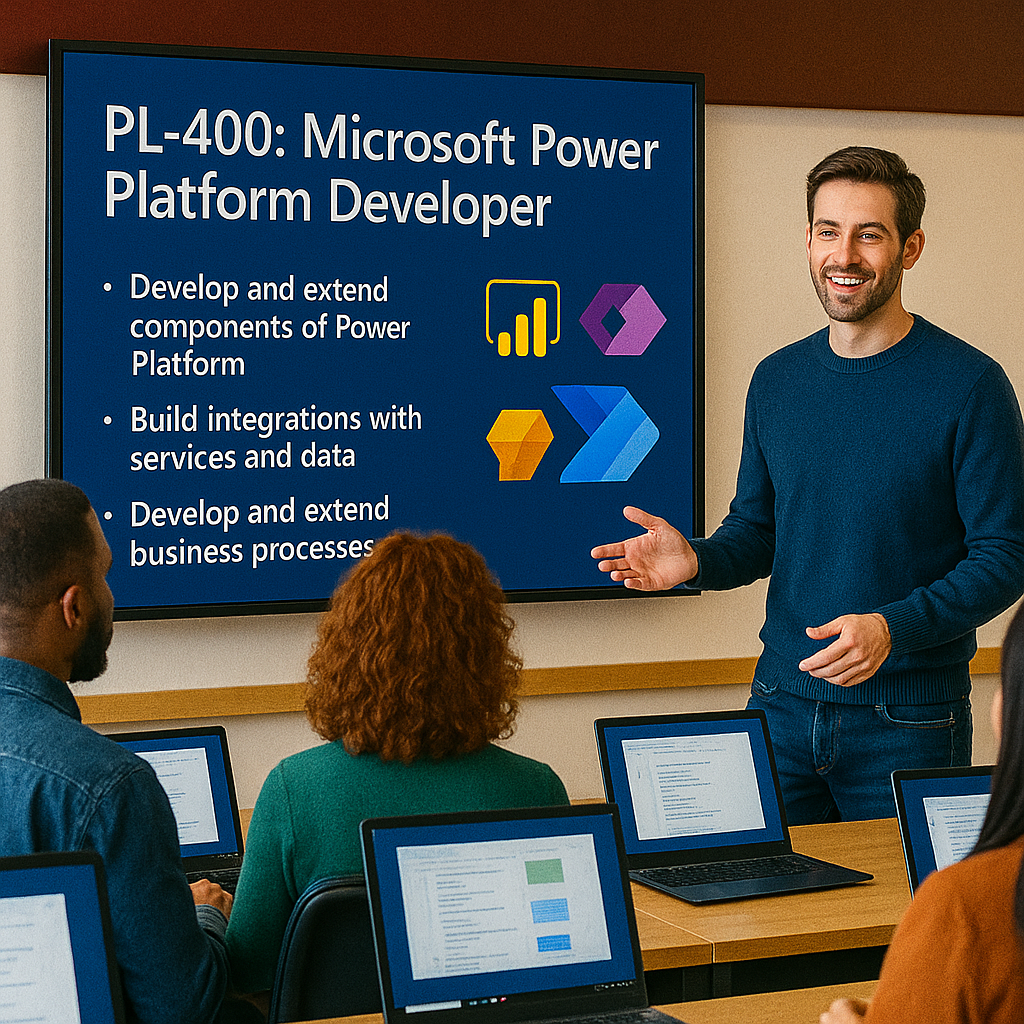
Instructor-led Microsoft Power Platform Developer training for professional developers who design, develop, test, troubleshoot, and extend Microsoft Power Platform solutions. This course focuses on traditional code development for Power Platform scenarios that require JavaScript, TypeScript, C#, HTML, REST APIs, Microsoft Dataverse, Power Apps, Power Automate, custom connectors, Azure integration, and application lifecycle management.
Certification URL: https://learn.microsoft.com/en-us/credentials/certifications/power-platform-developer-associate/
Study guide URL: https://learn.microsoft.com/en-us/credentials/certifications/resources/study-guides/pl-400
Why choose Dynamics Edge for PL-400T00 training?
Dynamics Edge delivers PL-400 training with a practical developer focus for teams building business applications, Dataverse extensions, custom user experiences, integrations, and enterprise-grade Power Platform solutions.
- Learn how to extend Power Apps, Dataverse, Power Automate, and Power Platform with professional development tools.
- Build developer skills using Visual Studio, Visual Studio Code, JavaScript, TypeScript, C#, REST APIs, and Azure.
- Prepare for the Microsoft Certified: Power Platform Developer Associate certification.
- Practice real-world solution development with ALM, custom connectors, plug-ins, PCF controls, and Dataverse APIs.
- Customize the class for Dynamics 365 CE, government cloud, enterprise integration, or internal developer enablement.
What will you learn in PL-400 training?
This course teaches developers how to build advanced Microsoft Power Platform solutions that go beyond low-code configuration. Microsoft’s certification page states that candidates design, develop, test, and troubleshoot solution components using Power Platform extension points, including custom user experiences, business logic, system integrations, data conversions, custom process automation, complex Power Fx, Power Automate workflow expressions, and AI as part of solution logic.
- Build advanced canvas app logic and optimize app performance.
- Automate business processes with Power Automate, Dataverse triggers, expressions, and advanced flow features.
- Extend Microsoft Dataverse with APIs, plug-ins, custom APIs, Azure integration, and events.
- Create custom user experiences with client scripting, command logic, and Power Apps component framework controls.
- Manage Power Platform solutions with application lifecycle management, environment variables, pipelines, and deployment automation.
Course Outline Microsoft Power Platform Developer PL-400
Module 1: Advanced techniques in canvas apps
Students learn how to use advanced Power Apps canvas app development techniques to build more flexible and maintainable business applications. This module focuses on imperative logic, complex Power Fx, Dataverse choice columns, relational data, delegation limits, and canvas app performance.
Topics include:
- Use imperative development techniques in canvas apps.
- Perform custom updates in a canvas app.
- Work with Dataverse choice columns and formulas.
- Work with relational data and data source limits.
- Improve canvas app performance and delegation behavior.
Module 2: Automate a business process using Power Automate
Students learn how to create, configure, troubleshoot, and extend Power Automate cloud flows. This module focuses on expressions, Dataverse triggers and actions, flow control, error handling, and advanced cloud flow features.
Topics include:
- Get started with Power Automate cloud flows.
- Use expressions in Power Automate.
- Configure Dataverse triggers and actions.
- Build advanced cloud flow logic.
- Apply error handling, retry logic, and flow control patterns.
Module 3: Introduction to developing with Power Platform
Students learn how developers extend Power Platform by using Microsoft developer tools, Dataverse APIs, and Power Platform extension points. This module introduces the developer workflow and the technical foundation for professional Power Platform development.
Topics include:
- Use Power Platform developer resources.
- Use developer tools to extend Power Platform.
- Identify Power Platform extension points.
- Work with Dataverse APIs.
- Use Visual Studio, Visual Studio Code, Power Platform CLI, and related tooling.
Module 4: Extend the model-driven app user experience
Students learn how to customize the model-driven app user experience with client scripting. This module focuses on the Client API object model, JavaScript event handlers, form scripting, commands, navigation, and best practices.
Topics include:
- Perform common actions with client script.
- Use the Client API object model.
- Register and manage event handlers.
- Extend commands and navigation.
- Apply client scripting best practices.
Module 5: Create code components with Power Apps Component Framework
Students learn how to create reusable Power Apps component framework components. This module focuses on PCF control structure, lifecycle methods, manifests, packaging, deployment, and consumption in Power Apps.
Topics include:
- Get started with Power Apps component framework.
- Configure the code component manifest.
- Implement component lifecycle events.
- Package and deploy code components.
- Use PCF controls in canvas and model-driven apps.
Module 6: Extend Microsoft Dataverse
Students learn how to extend Dataverse with server-side business logic. This module focuses on plug-ins, the event execution pipeline, execution context, images, organization service operations, custom APIs, and plug-in registration.
Topics include:
- Use Dataverse developer concepts.
- Create and register plug-ins.
- Use the Dataverse event execution pipeline.
- Work with execution context, Pre Images, and Post Images.
- Implement custom APIs and server-side business logic.
Module 7: Integrate Dataverse and Azure
Students learn how to integrate Dataverse with Azure services and external systems. This module focuses on Azure integration patterns, Dataverse events, webhooks, service endpoints, Azure Service Bus, Azure Event Hubs, and Azure Functions.
Topics include:
- Integrate Power Platform solutions with Azure.
- Publish and consume Dataverse events.
- Register webhooks and service endpoints.
- Use Azure Service Bus and Azure Event Hubs.
- Process long-running workloads with Azure Functions.
Module 8: Custom connectors
Students learn how to build and extend custom connectors for Power Platform solutions. This module focuses on OpenAPI definitions, authentication, Azure API Management, policy templates, and custom connector code.
Topics include:
- Create custom connectors for REST APIs.
- Use OpenAPI definitions.
- Configure connector authentication.
- Apply policy templates.
- Extend connector behavior with custom code.
Module 9: Application lifecycle management
Students learn how to manage Power Platform solution development across environments. This module focuses on solutions, dependencies, environment variables, solution layers, Power Platform Pipelines, and CI/CD automation.
Topics include:
- Manage solutions and dependencies.
- Use environment variables.
- Understand and manage solution layers.
- Implement Power Platform Pipelines.
- Create CI/CD automation with Power Platform Build Tools.
Module 10: Create a technical design
Students learn how to design Power Platform solution components before development begins. This module focuses on technical architecture, authentication, authorization, component design, business logic placement, security, and integration design.
Topics include:
- Analyze technical architecture and solution components.
- Design authentication and authorization strategies.
- Decide when to use out-of-the-box functionality or custom code.
- Determine where to implement business logic.
- Design integrations, reusable components, Dataverse components, and automation.
Module 11: Certification preparation and developer readiness
Students review the PL-400 developer skill areas and connect course topics to exam preparation and real-world implementation. This module reinforces professional developer expectations, troubleshooting skills, ALM readiness, and Power Platform extensibility patterns.
Topics include:
- Review PL-400 skills measured and certification objectives.
- Connect course labs to real developer scenarios.
- Review Dataverse, Power Apps, Power Automate, Azure, and ALM developer patterns.
- Identify areas for additional hands-on practice.
- Prepare for the PL-400 exam and Microsoft certification pathway.
Optional Supplementary Learning Paths
These optional learning paths can be added for teams that need additional preparation before the core PL-400 developer course.
Supplementary Module 1: Work with Microsoft Dataverse
- Understand Microsoft Dataverse fundamentals.
- Manage Power Platform environments.
- Manage customizations with solutions.
- Create and manage Dataverse tables, columns, and relationships.
- Configure business rules, security, calculated columns, and rollup columns.
Supplementary Module 2: Create model-driven apps
- Get started with model-driven apps.
- Configure model-driven app forms.
- Configure views and app navigation.
- Customize command bar behavior.
- Optimize model-driven app performance.
Supplementary Module 3: Create canvas apps
- Get started with Power Apps canvas apps.
- Understand low-code development as a traditional developer.
- Customize canvas app screens, controls, and navigation.
- Use Power Fx formulas and canvas components.
- Test and troubleshoot canvas apps.
Certification Alignment
This course aligns to Microsoft Certified: Power Platform Developer Associate and Exam PL-400: Microsoft Power Platform Developer. Microsoft lists the certification as an intermediate credential for the Microsoft Power Platform Developer role.
Microsoft’s PL-400 study guide lists the skills measured as of March 19, 2026 as:
- Create a technical design: 10–15%.
- Build Power Platform solutions: 10–15%.
- Implement Power Apps improvements: 10–15%.
- Extend the user experience: 10–15%.
- Extend the platform: 30–35%.
- Develop integrations: 10–15%.
Course Review
By the end of this course, students should be able to design technical Power Platform solutions, extend Power Apps and Dataverse, build custom business logic, create PCF controls, develop custom connectors, integrate with Azure, automate processes with Power Automate, and manage solution deployment with ALM practices.
Certification Exam Review
This course supports preparation for Exam PL-400 by covering the developer skills required to build, extend, integrate, secure, troubleshoot, and deploy Microsoft Power Platform solutions. Students should use the Microsoft study guide, practice assessment, exam sandbox, and hands-on labs to review before scheduling the certification exam.