

Tentative
8:00 AM – 4:00 PM MST
Reserve Your Seat
- Virtual instructor Led Training
- Complete Hands-on Labs
- Softcopy of Courseware
- Learning Labs
- Virtual instructor Led Training
- Complete Hands-on Labs
- Softcopy of Courseware
- Learning Labs
- You can use your Purchase Card and checkout
- The GSA Contract Number: 47QTCA20D000D
- Call 800-453-5961 for details
- Customize your class
- Delivery Onsite or Online for your organization
- Choice of Dates when and where you want
- Guidance in choosing and customizing your class
Question About this Course?
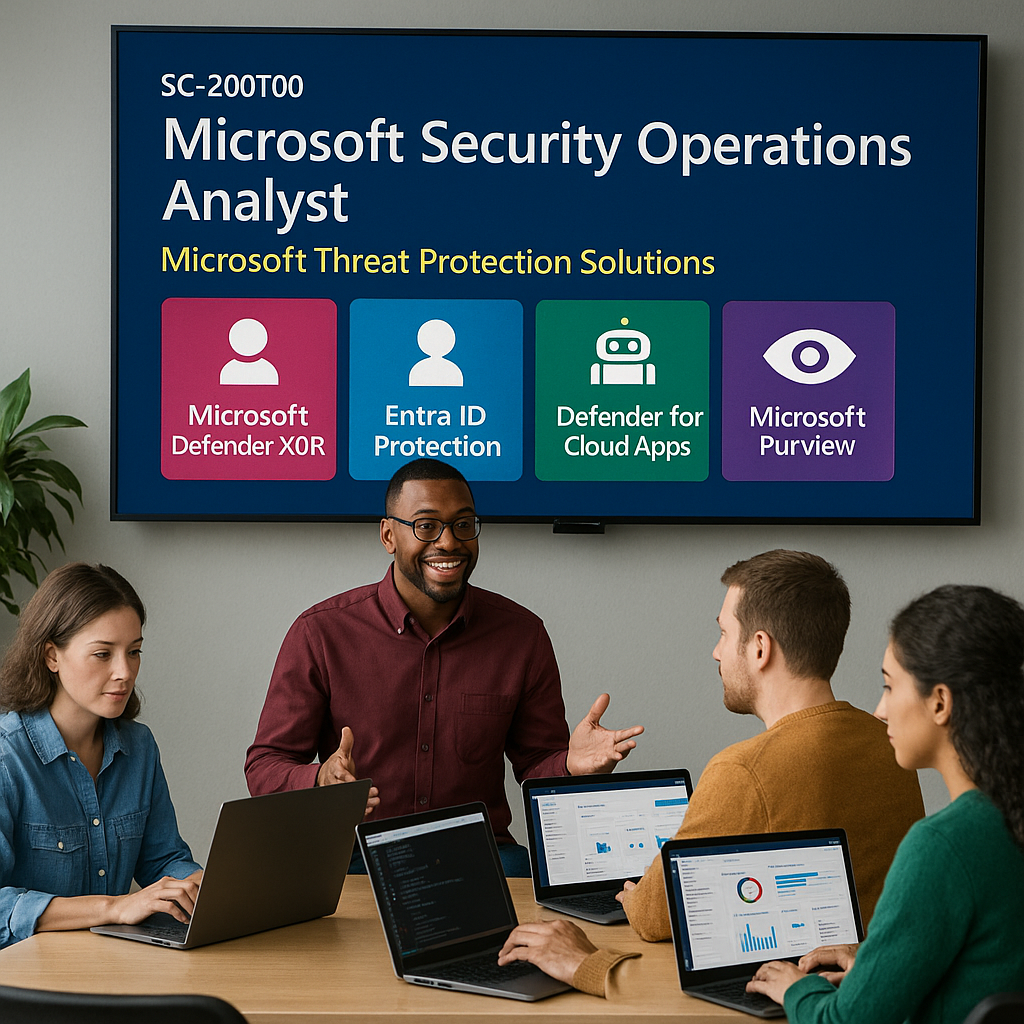
SC-200T00: Defend against cyberthreats with Microsoft’s security operations platform
SC-200T00 training
Instructor-led Microsoft Security Operations Analyst training for security operations analysts, security engineers, SOC analysts, incident responders, threat hunters, and cybersecurity professionals who need to investigate, respond to, and hunt for threats using Microsoft security operations tools.
This course teaches students how to use Microsoft Sentinel, Microsoft Defender XDR, Microsoft Defender for Endpoint, Microsoft Defender for Cloud, Microsoft Security Copilot, Microsoft Purview, and Kusto Query Language to reduce organizational risk and improve security operations.
Certification URL: https://learn.microsoft.com/en-us/credentials/certifications/security-operations-analyst/
Why choose Dynamics Edge for SC-200T00 training?
Dynamics Edge delivers SC-200 training with a practical security operations focus. Students learn how to investigate incidents, respond to active threats, hunt across Microsoft security signals, use KQL, configure Microsoft Sentinel, and apply Microsoft Defender technologies in real-world SOC scenarios.
- Learn security operations skills using Microsoft Sentinel, Microsoft Defender XDR, Defender for Endpoint, Defender for Cloud, Purview, and Security Copilot.
- Prepare for the Microsoft Certified: Security Operations Analyst Associate certification.
- Practice incident investigation, threat hunting, detection engineering, automation, and response.
- Build KQL skills for detection, analysis, reporting, and hunting.
- Customize the class for enterprise SOC teams, government security teams, Microsoft 365 security teams, or Azure security operations.
What will you learn in SC-200T00 training?
This course teaches students how to monitor, identify, investigate, respond to, and hunt for threats across cloud, hybrid, and on-premises environments. Students learn how Microsoft security operations tools work together to help reduce risk, automate response, investigate incidents, and improve threat detection.
- Investigate and respond to incidents in Microsoft Defender XDR.
- Use Microsoft Security Copilot to support security operations workflows.
- Investigate Microsoft Purview audit, data loss prevention, and insider risk events.
- Deploy and use Microsoft Defender for Endpoint for device protection and response.
- Configure Microsoft Sentinel, connect data sources, create detections, automate response, and perform threat hunting.
SC-200T00 Course Outline
Module 1: Mitigate threats using Microsoft Defender XDR
Students learn how Microsoft Defender XDR brings together signals across identities, endpoints, email, collaboration, cloud apps, and Microsoft 365 services. This module introduces incident investigation, alert correlation, remediation, and threat protection workflows in the Microsoft Defender portal.
Topics include:
- Introduction to threat protection with Microsoft Defender XDR.
- Mitigate incidents using Microsoft Defender XDR.
- Remediate risks with Microsoft Defender for Office 365.
- Investigate identity threats with Microsoft Defender for Identity and Microsoft Entra ID Protection.
- Investigate cloud app risks with Microsoft Defender for Cloud Apps.
Module 2: Get started with Microsoft Security Copilot
Students learn how Microsoft Security Copilot supports security operations by helping analysts summarize incidents, interpret evidence, accelerate investigation, and improve response workflows. This module introduces generative AI concepts in security operations and explains embedded Security Copilot experiences across Microsoft security tools.
Topics include:
- Fundamentals of generative AI for security operations.
- Microsoft Security Copilot capabilities and use cases.
- Embedded Security Copilot experiences in Microsoft security products.
- Security Copilot agents in Microsoft Defender.
- Responsible use of AI assistance in investigation and response workflows.
Module 3: Mitigate threats using Microsoft Purview
Students learn how Microsoft Purview supports security operations investigations involving audit logs, data loss prevention, insider risk, and content search. This module focuses on identifying compromised entities, investigating risky activity, and using Purview evidence to support incident response.
Topics include:
- Microsoft Purview compliance and security investigation capabilities.
- Investigate and remediate compromised entities identified by DLP policies.
- Investigate and remediate insider risk threats identified by Purview policies.
- Investigate threats using Content Search in Microsoft Purview.
- Investigate threats using Microsoft Purview Audit Standard and Audit Premium.
Module 4: Mitigate threats using Microsoft Defender for Endpoint
Students learn how Microsoft Defender for Endpoint helps security teams detect, investigate, and respond to endpoint threats. This module covers deployment, device investigation, evidence review, automated response, threat and vulnerability management, and endpoint hardening.
Topics include:
- Protect against endpoint threats with Microsoft Defender for Endpoint.
- Deploy and configure the Defender for Endpoint environment.
- Implement Windows security enhancements and attack surface reduction.
- Investigate devices, evidence, entities, alerts, and incidents.
- Configure automation, alerting, detection, and threat and vulnerability management.
Module 5: Create queries for Microsoft Sentinel using Kusto Query Language
Students learn how to use Kusto Query Language to query security data, analyze results, and support detection and hunting in Microsoft Sentinel. This module builds the query foundation needed for analytics rules, workbooks, incident investigation, and threat hunting.
Topics include:
- Construct KQL statements for Microsoft Sentinel.
- Filter, sort, summarize, and project query results.
- Analyze query results using KQL operators.
- Build multi-table statements with joins and unions.
- Work with string data, time data, and security log fields.
Module 6: Configure the Microsoft Sentinel SIEM and platform
Students learn how to plan, deploy, and configure Microsoft Sentinel as a cloud-native SIEM and SOAR platform. This module introduces Sentinel architecture, workspaces, logs, threat intelligence, watchlists, and operational configuration.
Topics include:
- Introduction to Microsoft Sentinel.
- Deploy the Microsoft Sentinel SIEM.
- Configure the Microsoft Sentinel platform.
- Query logs and review security data in Sentinel.
- Use watchlists and threat intelligence in Sentinel investigations.
Module 7: Connect data sources to Microsoft Sentinel SIEM
Students learn how to connect Microsoft, Windows, Linux, cloud, and third-party data sources to Microsoft Sentinel. This module focuses on data connectors, Microsoft Defender XDR integration, Windows events, syslog, Common Event Format logs, and threat indicators.
Topics include:
- Manage Microsoft Sentinel content and solution packages.
- Connect data to Sentinel using data connectors.
- Connect Microsoft services and Microsoft Defender XDR to Sentinel.
- Connect Windows hosts, Linux hosts, syslog, and Common Event Format logs.
- Connect and manage threat indicators in Microsoft Sentinel.
Module 8: Create detections and perform investigations using Microsoft Sentinel
Students learn how to create detections, manage incidents, automate response, and investigate threats in Microsoft Sentinel. This module focuses on analytics rules, entity behavior, playbooks, automation, normalization, visualization, and monitoring.
Topics include:
- Create threat detections with Microsoft Sentinel analytics.
- Automate response with automation rules and playbooks.
- Manage and investigate security incidents in Sentinel.
- Use entity behavior analytics and data normalization.
- Query, visualize, monitor, and operationalize security data.
Module 9: Perform threat hunting in Microsoft Sentinel SIEM and platform
Students learn how to perform proactive threat hunting with Microsoft Sentinel. This module introduces threat hunting concepts, hunting queries, search jobs, notebooks, entity analysis, and repeatable hunting workflows.
Topics include:
- Explain threat hunting concepts and SOC use cases.
- Perform threat hunting with Microsoft Sentinel.
- Use hunting queries to identify suspicious activity.
- Use search jobs to investigate large volumes of historical data.
- Use notebooks for advanced hunting and investigation workflows.
Hands-on Labs
The Microsoft-hosted SC-200 lab environment includes exercises that reinforce the core course topics. Lab availability may vary by delivery environment, licensing, and tenant configuration.
- Explore Microsoft Defender XDR and investigate security incidents.
- Explore Microsoft Security Copilot use cases.
- Investigate Microsoft Purview audit logs.
- Deploy and use Microsoft Defender for Endpoint.
- Create KQL queries for Microsoft Sentinel.
- Configure Microsoft Sentinel and connect data sources.
- Create Microsoft Sentinel detections, playbooks, ASIM parsers, workbooks, and repositories.
- Investigate incidents and perform threat hunting in Microsoft Sentinel.
- Use notebooks and hunting workflows for advanced investigation.
Certification Alignment
This course aligns to Microsoft Certified: Security Operations Analyst Associate and Exam SC-200: Microsoft Security Operations Analyst.
Current SC-200 skills measured include:
- Manage a security operations environment: 40–45%.
- Respond to security incidents: 35–40%.
- Perform threat hunting: 20–25%.
Course Review
By the end of this course, students should be able to investigate and respond to incidents using Microsoft Defender XDR, use Microsoft Security Copilot to assist security operations, investigate threats with Microsoft Purview, deploy and use Microsoft Defender for Endpoint, create KQL queries, configure Microsoft Sentinel, connect data sources, create detections, automate response, and perform threat hunting.
Certification Exam Review
This course supports preparation for Exam SC-200 by covering the core responsibilities of a Microsoft Security Operations Analyst: managing a security operations environment, responding to incidents, and performing threat hunting. Students should review the Microsoft study guide, complete the hosted labs, practice KQL, use the Microsoft practice assessment, and review Microsoft Defender XDR and Microsoft Sentinel investigation scenarios before scheduling the exam.
Question About this Course?
Need help picking the right course?
Call Now