

Tentative
8:00 AM – 4:00 PM MST
Reserve Your Seat
- Virtual instructor Led Training
- Complete Hands-on Labs
- Softcopy of Courseware
- Learning Labs
- Virtual instructor Led Training
- Complete Hands-on Labs
- Softcopy of Courseware
- Learning Labs
- You can use your Purchase Card and checkout
- The GSA Contract Number: 47QTCA20D000D
- Call 800-453-5961 for details
- Customize your class
- Delivery Onsite or Online for your organization
- Choice of Dates when and where you want
- Guidance in choosing and customizing your class
Question About this Course?
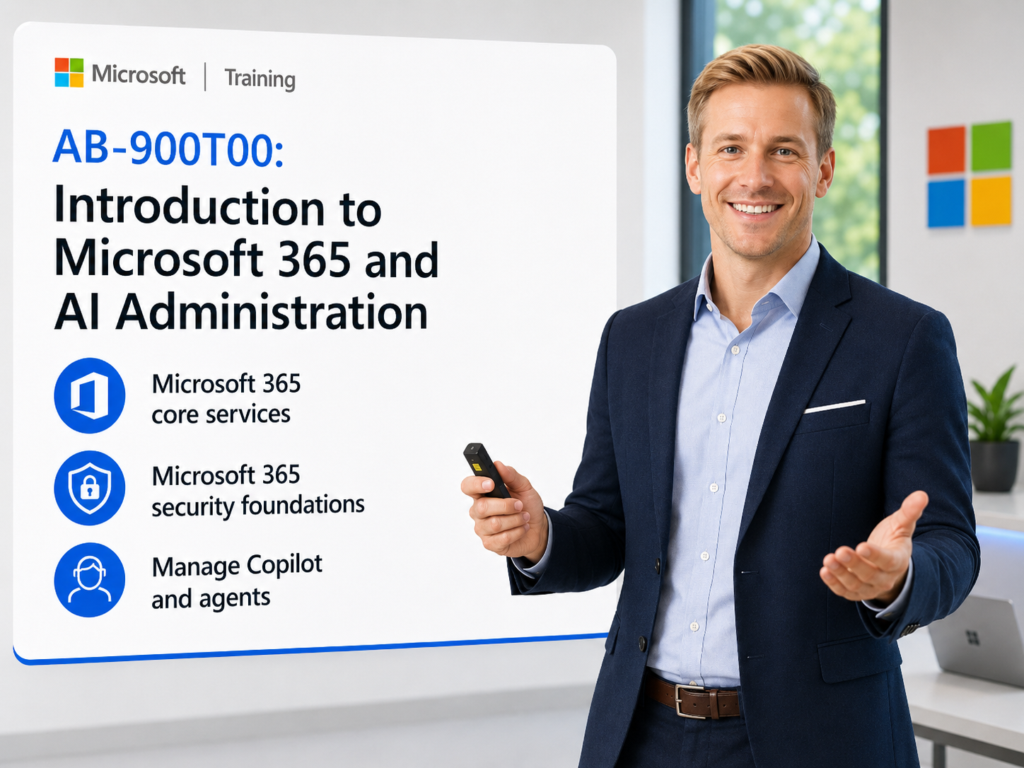
AB-900T00: Introduction to Microsoft 365 and AI Administration
AB-900T00: Introduction to Microsoft 365 and AI Administration is a one-day instructor-led course for beginning technical professionals and novice administrators who want foundational knowledge of Microsoft 365 services, Microsoft 365 Copilot, Copilot Chat, and AI-powered agents.
Students learn how Microsoft 365 core services work, how administrators manage users, groups, teams, sites, libraries, licenses, security, identity, data protection, governance, Copilot, and AI agents across the Microsoft 365 environment.
Course: AB-900T00: Introduction to Microsoft 365 and AI Administration
Certification: Microsoft 365 Certified: Copilot and Agent Administration Fundamentals
Exam: AB-900: Microsoft 365 Copilot and Agent Administration Fundamentals
Why choose Dynamics Edge for AB-900 training?
Dynamics Edge delivers AB-900 training with practical Microsoft 365 administration examples, Copilot and agent demonstrations, security and governance discussion, and certification-focused review. The course helps new administrators understand how Microsoft 365, Copilot, agents, identity, security, and compliance fit together.
- Learn the core Microsoft 365 services, objects, roles, and admin centers.
- Understand users, groups, teams, sites, libraries, mailboxes, permissions, and licenses.
- Explore Microsoft 365 security foundations, Microsoft Entra, MFA, Conditional Access, SSO, and Defender XDR.
- Review Microsoft Purview data protection, governance, retention, DLP, sensitivity labels, DSPM for AI, and oversharing controls.
- Practice basic administrative tasks for Microsoft 365 Copilot, Copilot Chat, and AI-powered agents.
What will you learn in AB-900 training?
Students learn how to identify Microsoft 365 core services, protect and govern organizational data, and perform basic administration for Copilot and agents.
- Identify core Microsoft 365 services, objects, admin centers, and workload responsibilities.
- Explain Microsoft 365 security principles, identity controls, authentication, authorization, and Zero Trust concepts.
- Describe Microsoft Purview governance, data protection, sensitivity labels, retention, DLP, eDiscovery, and DSPM for AI.
- Explain how Microsoft 365 Copilot uses Microsoft Graph, permissions, grounding, and organizational data.
- Perform basic Copilot and agent administration, including licensing, usage monitoring, prompt management, agent access, agent creation, and lifecycle monitoring.
Course Outline Microsoft 365 and AI Administration AB-900
Module 1: Explore Microsoft 365 core services and admin controls
Students learn the foundational Microsoft 365 services and administrative objects that support productivity, collaboration, communication, content management, and user administration. The module introduces the Microsoft 365 admin center and key workload admin centers.
Topics include:
- Identify Microsoft 365 core services and workloads.
- Describe users, groups, teams, sites, libraries, mailboxes, and distribution lists.
- Review Microsoft 365 licensing and feature access.
- Explore organization settings, domains, and tenant-level controls.
- Navigate the Microsoft 365 admin center and workload admin centers.
Module 2: Explore Microsoft 365 security foundations
Students learn how Microsoft 365 security controls protect users, apps, and organizational resources. The module introduces identity, authentication, authorization, Zero Trust, Microsoft Entra, Conditional Access, SSO, PIM, audit logs, and Defender XDR.
Topics include:
- Explain Zero Trust security principles.
- Describe authentication, authorization, MFA, Conditional Access, and SSO.
- Identify Microsoft Entra users, groups, roles, app registrations, and enterprise apps.
- Review Identity Secure Score, risky sign-ins, audit logs, and PIM.
- Describe Microsoft Defender XDR and threat protection capabilities.
Module 3: Protect and govern data in Microsoft 365
Students learn how Microsoft Purview helps organizations protect, classify, retain, monitor, and govern data across Microsoft 365. The module also explains how Copilot uses Microsoft Graph, permissions, and existing Microsoft 365 controls.
Topics include:
- Describe Microsoft Purview Information Protection, DLP, Insider Risk Management, Communication Compliance, DSPM for AI, and Data Lifecycle Management.
- Identify use cases for sensitivity labels, data classification, retention, and eDiscovery.
- Explain how Copilot accesses data through Microsoft Graph and user permissions.
- Identify risks such as oversharing, policy violations, sensitive data exposure, and risky user activity.
- Review SharePoint data access governance and restricted access controls.
Module 4: Explore Microsoft 365 Copilot and agents
Students learn how Microsoft 365 Copilot, Copilot Chat, prebuilt agents, Researcher, Analyst, and custom agents support productivity and AI-assisted work. The module explains the difference between Copilot experiences and agents.
Topics include:
- Describe Microsoft 365 Copilot and Copilot Chat.
- Compare Copilot and agent capabilities.
- Identify use cases for Researcher, Analyst, and custom agents.
- Explain how Copilot uses organizational context and Microsoft Graph.
- Review how agents can support repeatable business tasks.
Module 5: Perform basic administrative tasks for Microsoft 365 Copilot
Students learn basic administrative tasks for Microsoft 365 Copilot. The module covers licensing, pay-as-you-go billing, Copilot feature controls, usage and adoption monitoring, Copilot Analytics, prompt management, and administrative reporting.
Topics include:
- Assign and remove Microsoft 365 Copilot licenses.
- Monitor Copilot usage and adoption in the Microsoft 365 admin center.
- Review Copilot Analytics and app-level usage patterns.
- Manage pay-as-you-go billing policies.
- Manage prompts, including saving, sharing, scheduling, and deleting.
Module 6: Perform basic administrative tasks for Microsoft 365 Copilot agents
Students learn how administrators support AI agents in Microsoft 365. The module covers agent creation, user access, approval processes, testing, lifecycle management, operational insights, and coordination with the Microsoft 365 admin center and Power Platform admin center.
Topics include:
- Create a Microsoft 365 Copilot Chat agent.
- Configure agent instructions, tone, style, and knowledge sources.
- Configure user access to agents.
- Review the agent approval process.
- Monitor agent usage, lifecycle, and operational insights.
Hands-on labs
The AB-900 labs support hands-on practice for new Microsoft 365 administrators, support teams, and professionals preparing for Copilot and agent administration. This single consolidated lab list is based on the official Microsoft Learn course topics and the most important PowerPoint demonstration and speaker-note activities.
- Lab 1: Navigate the Microsoft 365 admin center and identify key sections for users, groups, billing, setup, reports, settings, and admin roles.
- Lab 2: Review Microsoft 365 licenses and explain how assigned license types affect access to Microsoft 365 services and Copilot features.
- Lab 3: Identify Microsoft 365 core objects, including users, groups, teams, SharePoint sites, document libraries, Exchange mailboxes, and distribution lists.
- Lab 4: Navigate the Microsoft Entra admin center and identify where to manage users, groups, roles, app registrations, enterprise apps, authentication, and Conditional Access.
- Lab 5: Review Microsoft 365 security foundations, including MFA, Conditional Access, SSO, risky sign-ins, audit logs, Identity Secure Score, and Privileged Identity Management.
- Lab 6: Navigate the Microsoft Purview portal and identify where to configure sensitivity labels, retention, DLP, Insider Risk Management, Communication Compliance, eDiscovery, and DSPM for AI.
- Lab 7: Review Copilot data protection concepts by tracing how Microsoft Graph, user permissions, SharePoint access, sensitivity labels, and Microsoft Purview controls affect Copilot responses.
- Lab 8: Identify and review oversharing risks in SharePoint using data access governance concepts, restricted site access, and permissions review practices.
- Lab 9: Explore Microsoft 365 Copilot Chat using work-grounded and web-grounded modes.
- Lab 10: Explore prebuilt Copilot agents such as Researcher and Analyst and identify appropriate business use cases.
- Lab 11: Assign or remove Microsoft 365 Copilot licenses in the Microsoft 365 admin center.
- Lab 12: Review Copilot pay-as-you-go billing options, billing policies, and payment configuration concepts.
- Lab 13: Monitor Copilot usage and adoption by reviewing enabled users, active users, app usage patterns, and activity trends.
- Lab 14: Review Copilot Analytics and explain how adoption data supports licensing, training, governance, and productivity decisions.
- Lab 15: Manage Copilot prompts by saving, sharing, scheduling, renaming, deleting, and organizing prompt activity.
- Lab 16: Create a Microsoft 365 Copilot Chat agent for a business scenario.
- Lab 17: Configure agent instructions, tone, style, knowledge sources, and response expectations.
- Lab 18: Test agent behavior for clarity, accuracy, tone, instruction alignment, and business usefulness.
- Lab 19: Configure and review user access, approval, and lifecycle controls for Copilot agents.
- Lab 20: Monitor agent usage, operational insights, lifecycle status, and governance indicators using Microsoft 365 and Power Platform administration concepts.
Certification alignment
This course supports preparation for Exam AB-900: Microsoft 365 Copilot and Agent Administration Fundamentals and the Microsoft 365 Certified: Copilot and Agent Administration Fundamentals certification. The exam validates foundational readiness to support, secure, protect, govern, and administer an AI-enabled Microsoft 365 environment.
AB-900 skills measured
- Identify the core features and objects of Microsoft 365 services.
- Understand data protection and governance tasks for Microsoft 365 and Copilot.
- Perform basic administrative tasks for Copilot and agents.
Course review
Students should leave the course able to identify Microsoft 365 core services and objects, understand foundational Microsoft 365 security controls, explain Microsoft Purview data protection and governance, and perform basic administrative tasks for Microsoft 365 Copilot and agents. The course review should reinforce Microsoft 365 admin center, Microsoft Entra admin center, Microsoft Purview portal, Exchange Online, SharePoint, Teams, users, groups, sites, libraries, mailboxes, licensing, MFA, Conditional Access, SSO, Defender XDR, sensitivity labels, DLP, retention, DSPM for AI, SharePoint oversharing, Copilot Chat, Researcher, Analyst, custom agents, Copilot Analytics, prompt management, and agent lifecycle controls.
Certification exam review
Exam review should focus on foundational Microsoft 365 administration, security, governance, Copilot, and agent administration. Priority review areas should include users, groups, teams, sites, libraries, mailboxes, Microsoft 365 licensing, admin centers, Zero Trust, authentication, authorization, MFA, Conditional Access, SSO, Microsoft Entra, Identity Secure Score, PIM, app registrations, enterprise apps, Microsoft Purview, sensitivity labels, retention, DLP, Insider Risk Management, Communication Compliance, DSPM for AI, eDiscovery, SharePoint data access governance, Microsoft Graph, Copilot data access, responsible AI, Copilot licensing, pay-as-you-go billing, Copilot usage reports, Copilot Analytics, prompt management, agent creation, agent access, agent approval, and agent monitoring.
Question About this Course?
Need help picking the right course?
Call Now