

9:00 AM – 4:00 PM CST
Reserve Your Seat
- Virtual instructor Led Training
- Complete Hands-on Labs
- Softcopy of Courseware
- Learning Labs
- Virtual instructor Led Training
- Complete Hands-on Labs
- Softcopy of Courseware
- Learning Labs
- You can use your Purchase Card and checkout
- The GSA Contract Number: 47QTCA20D000D
- Call 800-453-5961 for details
- Customize your class
- Delivery Onsite or Online for your organization
- Choice of Dates when and where you want
- Guidance in choosing and customizing your class
Question About this Course?
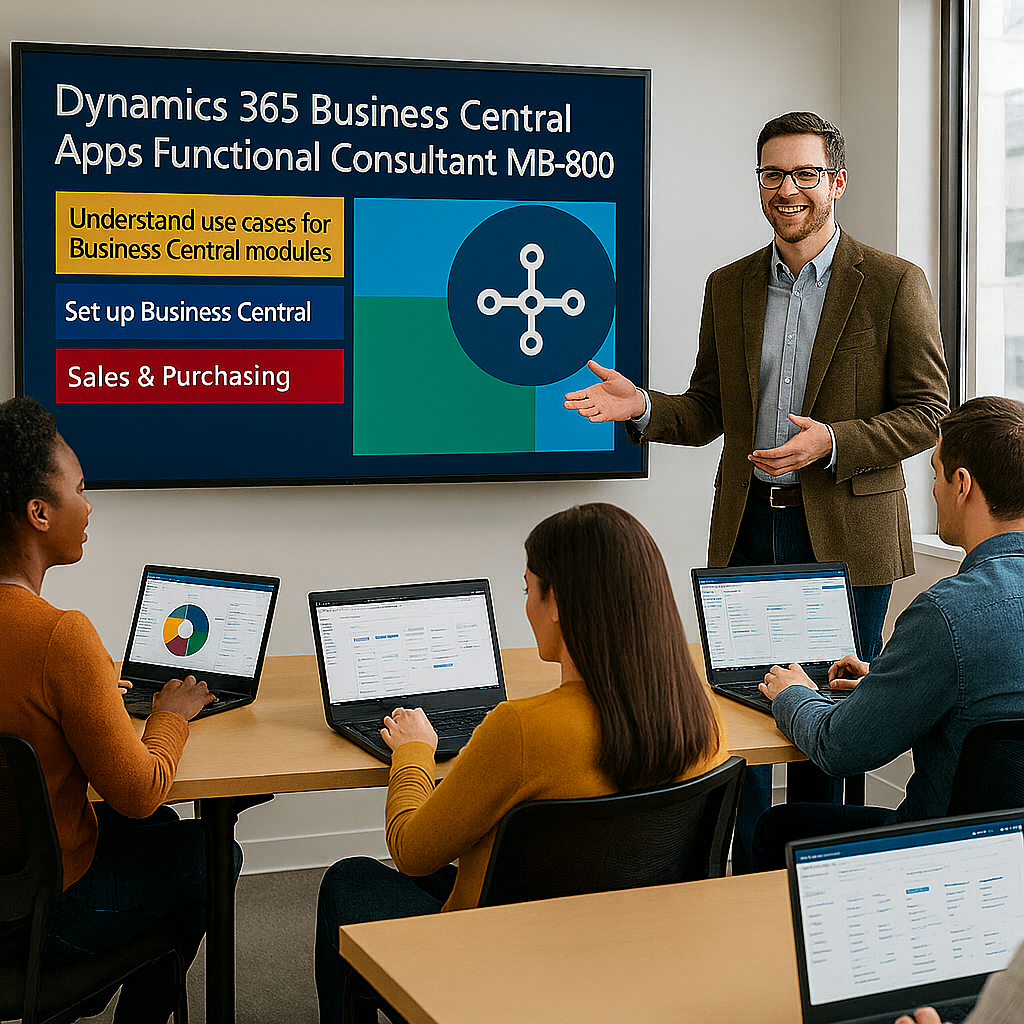
MB-820: Develop Solutions with Dynamics 365 Business Central
MB-820T00: Develop solutions with Dynamics 365 Business Central is an instructor-led developer course for professionals who build, customize, extend, debug, test, deploy, and maintain Microsoft Dynamics 365 Business Central solutions.
Students learn how to use AL, Visual Studio Code, extensions, tables, pages, reports, codeunits, XMLports, queries, APIs, permissions, testing tools, telemetry, and integration patterns to build Business Central applications.
Certification: Microsoft Certified: Dynamics 365 Business Central Developer Associate
Exam: MB-820: Microsoft Dynamics 365 Business Central Developer
Why choose Dynamics Edge for MB-820 training?
Dynamics Edge delivers MB-820 training with developer-focused examples, hands-on labs, certification review, and implementation-ready discussion. The course helps developers understand how Business Central extensions are designed, built, tested, packaged, deployed, secured, upgraded, and integrated.
- Learn how to develop Business Central extensions using AL and Visual Studio Code.
- Practice table, page, report, codeunit, API, query, XMLport, permission, and integration development.
- Prepare for MB-820 certification with structured review and hands-on lab reinforcement.
- Understand upgrade-safe extension patterns, source control, testing, telemetry, and AppSource readiness.
- Request private team delivery for Business Central developer onboarding, upgrade readiness, AppSource development, or implementation projects.
What will you learn in MB-820T00 training?
Students learn how to develop and maintain Business Central solutions using Microsoft-supported extension patterns. The course emphasizes practical developer skills for AL objects, application logic, APIs, reporting, integration, testing, deployment, and troubleshooting.
- Set up a Business Central developer environment with Visual Studio Code, AL Language extension, Docker or sandbox environments, launch settings, and app configuration.
- Build and extend Business Central tables, pages, enums, reports, queries, XMLports, codeunits, profiles, Role Centers, permissions, and entitlements.
- Write AL code using triggers, events, subscribers, procedures, interfaces, error handling, data manipulation, and file handling.
- Integrate Business Central with external applications using APIs, OData, web services, REST calls, HTTP classes, JSON, Azure Functions, and Power Platform.
- Test, debug, monitor, package, upgrade, deploy, and maintain Business Central extensions.
Dynamics 365 Business Central Developer MB-820 Course Outline
Learning Path 1: Describe Business Central
Module 1: Describe the Business Central architecture
Students learn how Business Central is structured and how extensions fit into the overall application architecture. They review the cloud service, environments, base application, system application, extensions, update lifecycle, and online versus on-premises differences.
Topics include:
- Describe Business Central components and capabilities.
- Explain the core solution and extension approach.
- Compare Business Central online and on-premises features.
- Describe the customization and update lifecycle.
- Review Business Central relationships with Microsoft 365, Power Platform, and Dynamics 365.
Module 2: Describe Business Central apps and extension strategy
Students learn how Business Central apps are packaged, deployed, maintained, and published. They review AppSource, per-tenant extensions, app dependencies, app.json configuration, and extension lifecycle concepts.
Topics include:
- Differentiate base app, system app, and extension apps.
- Describe AppSource and per-tenant extension scenarios.
- Configure app.json settings and dependencies.
- Review extension versioning and maintainability.
- Explain app lifecycle and deployment options.
Learning Path 2: Install, develop, and deploy for Business Central
Module 3: Install and configure a Business Central development environment
Students learn how to configure the tools required for Business Central development. They set up Visual Studio Code, the AL Language extension, sandbox environments, launch.json, app.json, symbols, and workspace settings.
Topics include:
- Install and configure Visual Studio Code and AL Language.
- Connect to a Business Central sandbox environment.
- Configure launch.json and app.json.
- Download symbols and manage dependencies.
- Manage multiple AL extensions in one workspace.
Module 4: Create, debug, and deploy an extension
Students learn how to create, publish, debug, and maintain Business Central extensions. They review extension packaging, deployment, debugging, breakpoints, snapshots, troubleshooting, and source control practices.
Topics include:
- Create an AL extension project.
- Publish and deploy an extension.
- Debug AL code with Visual Studio Code.
- Maintain and update extensions.
- Use source control and Git for AL projects.
Learning Path 3: Develop by using AL objects
Module 5: Build and extend tables, pages, and enums
Students learn how to create and extend Business Central data and user interface objects. They build tables, table extensions, pages, page extensions, enums, enum extensions, fields, keys, field groups, actions, and page layouts.
Topics include:
- Create and extend tables.
- Create and extend pages.
- Create and extend enums.
- Configure fields, keys, actions, and page layouts.
- Apply table and page development standards.
Module 6: Build and extend reports
Students learn how to create, extend, and substitute reports in Business Central. They review report datasets, request pages, report triggers, layouts, document reports, processing-only reports, and multilingual report design.
Topics include:
- Design report data models.
- Create report layouts.
- Configure request pages.
- Use report triggers and functions.
- Extend, substitute, and publish reports.
Module 7: Design and create XMLports and queries
Students learn how XMLports and queries support data movement, reporting, and integrations. They configure XMLport nodes, properties, file handling, query data items, joins, filters, aggregation, and query-based reporting.
Topics include:
- Create XMLport objects.
- Configure XMLport nodes and properties.
- Use XMLports in AL code.
- Create query objects with joins and filters.
- Use queries for reports, APIs, and integrations.
Module 8: Develop codeunits, events, and interfaces
Students learn how to implement business logic with codeunits and AL code. They review procedures, triggers, events, subscribers, interfaces, access modifiers, installation codeunits, upgrade codeunits, and reusable application patterns.
Topics include:
- Create and use codeunits.
- Use triggers, events, and event subscribers.
- Implement interfaces.
- Create installation and upgrade codeunits.
- Use access modifiers and reusable procedures.
Module 9: Create entitlement and permission set objects
Students learn how to secure Business Central extensions by using permissions, entitlements, and permission set objects. They review how security is designed, assigned, tested, and troubleshot for custom extensions.
Topics include:
- Create permission set objects.
- Extend permission sets.
- Configure entitlements.
- Use inherent permissions when appropriate.
- Troubleshoot extension permissions.
Learning Path 4: Develop by using AL
Module 10: Customize the UI and implement onboarding techniques
Students learn how to tailor user experiences in Business Central. They review profiles, Role Centers, views, teaching tips, in-app tours, assisted setup, onboarding checklists, and user assistance models.
Topics include:
- Create profiles and Role Centers.
- Create views in AL.
- Develop teaching tips and in-app tours.
- Build assisted setup experiences.
- Create onboarding checklists.
Module 11: Apply Business Central development standards
Students learn the development standards used for maintainable Business Central solutions. They review table types, master data standards, document standards, data process models, naming patterns, and upgrade-safe extension practices.
Topics include:
- Identify functional table types.
- Apply master data design patterns.
- Apply document standards.
- Implement data process models.
- Follow extension design and naming standards.
Module 12: Use AL language features
Students learn how to use AL statements, expressions, variables, procedures, functions, files, error handling, and data manipulation. They practice writing business logic that is readable, maintainable, and testable.
Topics include:
- Use AL statements and expressions.
- Work with variables and data types.
- Create custom procedures.
- Manipulate records and data.
- Handle errors and manage files.
Learning Path 5: Work with development tools
Module 13: Implement testing for Business Central
Students learn how to test Business Central applications. They review the Test Toolkit, test codeunits, test procedures, automated test patterns, standard tests, and testing practices for custom extensions.
Topics include:
- Install and run the Test Toolkit.
- Create test codeunits.
- Create test procedures.
- Run standard Business Central tests.
- Validate extension behavior before deployment.
Module 14: Manage telemetry and troubleshoot performance
Students learn how to monitor and troubleshoot Business Central applications by using telemetry. They review telemetry setup, Application Insights, custom telemetry signals, performance monitoring, error analysis, and extension diagnostics.
Topics include:
- Configure telemetry.
- Monitor Business Central with Application Insights.
- Create custom telemetry signals.
- Analyze errors and performance issues.
- Use telemetry to improve extension quality.
Learning Path 6: Integrate Business Central with other applications
Module 15: Access REST services from Business Central
Students learn how Business Central extensions can communicate with external REST services. They use HTTP classes, send and receive data, parse JSON, handle service responses, and design integration logic.
Topics include:
- Use HTTP classes in AL.
- Send data to external REST services.
- Retrieve data from external REST services.
- Read and write JSON.
- Handle integration errors and responses.
Module 16: Implement APIs, OData, and integration objects
Students learn how to expose Business Central data and processes through APIs and OData. They create API pages, API queries, bound and unbound actions, web services, and integration-ready objects.
Topics include:
- Create API pages.
- Create API queries.
- Configure OData services.
- Create bound and unbound actions.
- Use Read Scale-Out and integration performance patterns.
Hands-on labs
The MB-820 labs support hands-on practice for Microsoft Dynamics 365 Business Central developers. This single consolidated lab list merges the official GitHub-hosted MB-820 labs with the most important exercise topics found in the MB-820 PowerPoint speaker notes.
- Lab 1: Set up the Business Central development environment and required software.
- Lab 2: Create an AL extension project in Visual Studio Code.
- Lab 3: Configure app.json, launch.json, symbols, and extension dependencies.
- Lab 4: Create an extension containing a table, table extension, page, and page extension.
- Lab 5: Create and extend enum objects for Business Central data models.
- Lab 6: Implement installation and upgrade code in an extension.
- Lab 7: Add a Role Center and Profile.
- Lab 8: Customize the user interface with views, page actions, teaching tips, and onboarding elements.
- Lab 9: Create entitlement and permission set objects for an extension.
- Lab 10: Add a column and layout to a base report.
- Lab 11: Create a custom report layout, request page, and report trigger logic.
- Lab 12: Create and use codeunits, procedures, events, and event subscribers.
- Lab 13: Implement interfaces and reusable AL business logic.
- Lab 14: Work with AL statements, built-in functions, variables, data types, and error handling.
- Lab 15: Create XMLports for importing and exporting data.
- Lab 16: Create queries with linked data items, filters, and aggregation.
- Lab 17: Develop custom API pages and API queries.
- Lab 18: Access external REST services by using HTTP classes and JSON.
- Lab 19: Create automated tests with test codeunits and run Business Central test tools.
- Lab 20: Configure telemetry, create custom telemetry signals, and troubleshoot extension behavior.
Certification alignment
This course supports preparation for Exam MB-820: Microsoft Dynamics 365 Business Central Developer. The exam validates the ability to design, develop, test, integrate, deploy, troubleshoot, and maintain Business Central solutions.
MB-820 skills measured
- Describe Business Central.
- Install, develop, and deploy for Business Central.
- Develop by using AL objects.
- Develop by using AL.
- Work with development tools.
- Integrate Business Central with other applications.
Course review
Students should leave the course able to develop Business Central extensions using Visual Studio Code and AL. The course review should reinforce Business Central architecture, extension development, tables, pages, enums, reports, codeunits, XMLports, queries, permissions, AL programming, testing, telemetry, APIs, REST services, and deployment.
Certification exam review
Exam review should focus on practical developer scenarios, extension design, AL object development, integration, testing, troubleshooting, and upgrade-safe customization. Priority review areas should include app.json, launch.json, tables, pages, reports, codeunits, events, subscribers, interfaces, XMLports, queries, permission sets, entitlements, API pages, API queries, HTTP classes, JSON, Test Toolkit, telemetry, and extension deployment.
Question About this Course?
Need help picking the right course?
Call Now