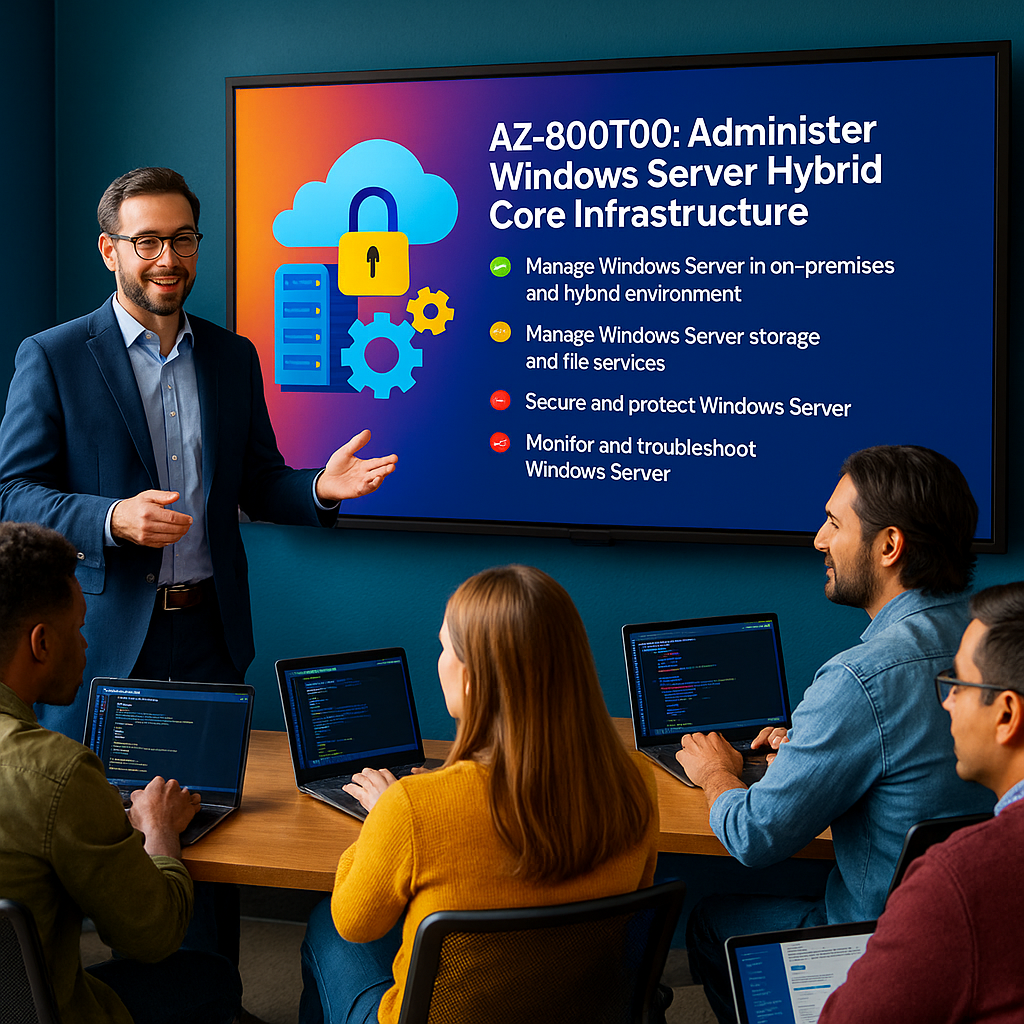
AZ-800T00: Administer Windows Server Hybrid Core Infrastructure
AZ-800 training
AZ-800T00: Administer Windows Server Hybrid Core Infrastructure is an instructor-led course for Windows Server administrators who manage core Windows Server workloads using on-premises, hybrid, and cloud technologies.
Students learn how to administer Active Directory Domain Services, integrate AD DS with Microsoft Entra ID, manage Windows Server remotely, use Windows Admin Center, deploy Azure Arc, manage Hyper-V and containers, deploy Windows Server on Azure virtual machines, implement hybrid networking, and manage storage and file services.
Certification: Microsoft Certified: Windows Server Hybrid Administrator Associate
Exam: AZ-800: Administering Windows Server Hybrid Core Infrastructure
Duration: 4 days
Audience: Windows Server administrators, systems administrators, hybrid infrastructure administrators, Azure administrators, identity administrators, network administrators, and IT professionals responsible for Windows Server hybrid environments.
Why choose Dynamics Edge for AZ-800T00 training?
Dynamics Edge delivers AZ-800 training with practical Windows Server hybrid administration examples, hands-on labs, certification review, and implementation-focused discussion. The course helps administrators extend existing Windows Server skills into Microsoft Azure hybrid infrastructure.
- Learn how to manage AD DS, Group Policy, domain controllers, FSMO roles, hybrid identity, and Microsoft Entra integration.
- Practice Windows Admin Center, PowerShell remoting, Azure Arc, Azure Network Adapter, and hybrid management scenarios.
- Configure Hyper-V, containers, Azure VMs, ARM templates, VM extensions, and JIT access.
- Implement Windows Server networking, Azure hybrid networking, DNS, DHCP, routing, and hybrid name resolution.
- Prepare for AZ-800 exam objectives through structured review and hands-on lab reinforcement.
What will you learn in AZ-800T00 training?
Students learn how to administer Windows Server infrastructure across on-premises data centers and Microsoft Azure. The course emphasizes hybrid identity, remote management, virtualization, compute, networking, storage, and file services.
- Deploy and manage AD DS domain controllers, forests, domains, OUs, FSMO roles, trusts, and Group Policy.
- Integrate AD DS with Microsoft Entra ID using hybrid identity, Microsoft Entra Connect Sync, password protection, SSPR, and pass-through authentication.
- Manage Windows Server with Windows Admin Center, PowerShell, Azure Arc, Azure Policy, and Azure Monitor.
- Deploy and configure Hyper-V, containers, Windows Server on Azure VMs, ARM templates, VM extensions, and JIT access.
- Implement DHCP, DNS, hybrid networking, Azure routing, Azure private DNS, Storage Spaces, iSCSI, Storage Spaces Direct, DFS Replication, and Azure File Sync.
Course Outline: Administer Windows Server Hybrid Core Infrastructure AZ-800
Module 1: Deploy and manage identity infrastructure in Windows Server
Students learn how Active Directory Domain Services supports identity, authentication, authorization, and centralized administration in Windows Server environments. They review forests, domains, organizational units, domain controllers, global catalog, schema, FSMO roles, and domain controller management.
Topics include:
- Describe AD DS forests, domains, OUs, and domain controllers.
- Manage AD DS users, groups, computers, and object attributes.
- Deploy and manage domain controllers.
- Manage global catalog, schema, and FSMO roles.
- Monitor and troubleshoot AD DS replication and domain services.
Module 2: Implement Group Policy and advanced AD DS features
Students learn how Group Policy provides centralized configuration management for users and computers. They also review advanced AD DS features such as trusts, administrative forests, custom partitions, and monitoring tools.
Topics include:
- Create, configure, link, and apply Group Policy Objects.
- Configure GPO scope, inheritance, processing, and administrative templates.
- Configure forest and domain trust relationships.
- Review Enhanced Security Administrative Environment concepts.
- Create and manage custom AD DS partitions.
Module 3: Implement hybrid identity in Windows Server
Students learn how to integrate on-premises AD DS with Microsoft Entra ID. They review hybrid identity models, Microsoft Entra Connect Sync, Microsoft Entra Cloud Sync, pass-through authentication, password hash synchronization, federation, SSPR, password protection, and Microsoft Entra Domain Services.
Topics include:
- Plan hybrid identity between AD DS and Microsoft Entra ID.
- Configure Microsoft Entra Connect Sync and Cloud Sync.
- Implement pass-through authentication and staged rollout features.
- Configure Microsoft Entra Password Protection and SSPR password writeback.
- Review Microsoft Entra Domain Services and domain-joined Azure VM scenarios.
Module 4: Deploy and manage Azure IaaS Active Directory domain controllers
Students learn how to extend identity infrastructure into Microsoft Azure. They review domain controller deployment in Azure, virtual network design, DNS, availability options, backup considerations, and management controls.
Topics include:
- Plan Azure IaaS domain controller deployment.
- Configure Azure networking and DNS for domain controllers.
- Deploy and manage domain controllers in Azure.
- Review availability and placement options.
- Secure and monitor Azure-based domain controllers.
Module 5: Administer Windows Server
Students learn how to administer Windows Server locally, remotely, and at scale. They review Server Core, Windows Admin Center, Remote Server Administration Tools, PowerShell remoting, Windows Remote Management, and administrative security.
Topics include:
- Install and configure Windows Admin Center.
- Manage Server Core and full desktop installations.
- Configure remote server administration.
- Use PowerShell remoting for administration.
- Add servers and manage extensions in Windows Admin Center.
Module 6: Facilitate hybrid management
Students learn how to manage Windows Server systems across on-premises and Azure environments. They review Windows Admin Center gateway deployment, Azure Network Adapter, Azure Arc, Azure Policy, Azure Monitor, Update Manager, and hybrid service integration.
Topics include:
- Use Windows Admin Center in hybrid scenarios.
- Configure Azure Network Adapter.
- Deploy Windows Admin Center gateway in Azure.
- Manage hybrid workloads with Azure Arc.
- Use Azure Policy, Azure Monitor, and Update Manager for hybrid management.
Module 7: Manage Hyper-V virtualization in Windows Server
Students learn how to deploy and manage Hyper-V virtualization in Windows Server. They review virtual machines, virtual switches, storage, checkpoints, live migration, nested virtualization, and operational management.
Topics include:
- Install and configure Hyper-V.
- Create and configure virtual machines.
- Configure virtual switches and virtual hard disks.
- Manage checkpoints and VM settings.
- Monitor and administer Hyper-V workloads.
Module 8: Configure containers in Windows Server
Students learn how Windows Server containers support application deployment and modernization. They review container concepts, container images, Docker, Windows Admin Center container management, networking, storage, and IIS container scenarios.
Topics include:
- Describe Windows Server container architecture.
- Install and configure container features.
- Create and manage container images.
- Deploy containerized workloads.
- Manage containers with Windows Admin Center.
Module 9: Deploy and configure Windows Server on Azure virtual machines
Students learn how to deploy Windows Server workloads on Azure virtual machines. They review VM sizing, images, disks, extensions, ARM templates, automated deployment, and operational security controls.
Topics include:
- Deploy Windows Server Azure VMs.
- Author and modify ARM templates.
- Configure VM extensions.
- Apply AppLocker and file integrity controls.
- Configure JIT VM access and secure administration.
Module 10: Implement Windows Server network infrastructure services
Students learn how to configure core network services in Windows Server. They review DHCP, DNS, IP address management, DNS forwarding, DNS zones, DHCP failover, and secure remote access to management tools.
Topics include:
- Deploy and configure DHCP.
- Configure DHCP failover and availability.
- Deploy and configure DNS.
- Configure DNS zones and forwarding.
- Publish management access with Web Application Proxy.
Module 11: Implement hybrid networking infrastructure
Students learn how to connect Windows Server environments with Azure networking services. They review hub-and-spoke networks, user-defined routes, Azure DNS, private DNS zones, name resolution, hybrid routing, and virtual network connectivity.
Topics include:
- Design hub-and-spoke network topology.
- Implement virtual network routing in Azure.
- Configure user-defined routes.
- Implement Azure private DNS zones.
- Validate name resolution and network connectivity.
Module 12: Manage storage and file services in Windows Server
Students learn how to manage Windows Server storage and file services. They review Storage Spaces, Data Deduplication, iSCSI, file shares, NTFS permissions, SMB, Storage Replica concepts, and Storage Spaces Direct.
Topics include:
- Configure Data Deduplication.
- Configure iSCSI storage.
- Configure redundant Storage Spaces.
- Implement Storage Spaces Direct.
- Manage file shares and storage availability.
Module 13: Implement a hybrid file server infrastructure
Students learn how to extend Windows Server file services to Azure. They review Azure Files, Azure File Sync, sync groups, server endpoints, cloud endpoints, cloud tiering, DFS Replication replacement, and troubleshooting.
Topics include:
- Implement DFS Replication in an on-premises environment.
- Create and configure Azure File Sync.
- Configure sync groups and endpoints.
- Enable cloud tiering.
- Troubleshoot replication and sync issues.
Hands-on labs
The AZ-800 labs support hands-on practice for Windows Server Hybrid Administrators. This single consolidated lab list is based on the official MicrosoftLearning AZ-800 hosted labs and the most important lab, exercise, and speaker-note topics found in the AZ-800 PowerPoint deck.
- Lab 1: Deploy a new domain controller on Server Core.
- Lab 2: Configure Group Policy for centralized Windows Server configuration management.
- Lab 3: Prepare Microsoft Entra ID for AD DS integration.
- Lab 4: Prepare on-premises AD DS for Microsoft Entra integration.
- Lab 5: Install and configure Microsoft Entra Connect Sync for hybrid identity.
- Lab 6: Implement pass-through authentication, Microsoft Entra Password Protection, and SSPR password writeback.
- Lab 7: Install Windows Admin Center and add servers for remote administration.
- Lab 8: Configure Windows Admin Center extensions and administer servers with Remote PowerShell.
- Lab 9: Provision Azure VMs running Windows Server for hybrid management testing.
- Lab 10: Implement hybrid connectivity by using Azure Network Adapter.
- Lab 11: Deploy Windows Admin Center gateway in Azure and verify hybrid management functionality.
- Lab 12: Create and configure Hyper-V virtual machines.
- Lab 13: Install and configure Windows Server containers.
- Lab 14: Author ARM templates for Windows Server Azure VM deployment.
- Lab 15: Modify ARM templates to include VM extension-based configuration and security controls.
- Lab 16: Deploy and configure DHCP and DNS network infrastructure services in Windows Server.
- Lab 17: Implement Azure hub-and-spoke virtual network routing with user-defined routes.
- Lab 18: Implement Azure DNS name resolution with private DNS zones.
- Lab 19: Configure Data Deduplication, iSCSI storage, redundant Storage Spaces, and Storage Spaces Direct.
- Lab 20: Implement Azure File Sync, replace DFS Replication, verify replication, enable cloud tiering, and troubleshoot sync issues.
Certification alignment
This course supports preparation for Exam AZ-800: Administering Windows Server Hybrid Core Infrastructure. The exam validates the ability to administer Windows Server workloads across on-premises and hybrid environments, with emphasis on identity, management, compute, networking, storage, and file services.
AZ-800 skills measured
- Deploy and manage Active Directory Domain Services in on-premises and cloud environments.
- Manage Windows Servers and workloads in a hybrid environment.
- Manage virtual machines and containers.
- Implement and manage an on-premises and hybrid networking infrastructure.
- Manage storage and file services.
Course review
Students should leave the course able to administer Windows Server hybrid core infrastructure across on-premises environments and Microsoft Azure. The course review should reinforce AD DS, Group Policy, domain controllers, FSMO roles, hybrid identity, Microsoft Entra integration, Windows Admin Center, Azure Arc, Hyper-V, containers, Azure VMs, ARM templates, Windows Server networking, hybrid networking, Storage Spaces, iSCSI, DFS Replication, and Azure File Sync.
Certification exam review
Exam review should focus on practical administration and troubleshooting decisions for Windows Server hybrid environments. Priority review areas should include AD DS deployment, domain controllers in Azure, FSMO roles, trusts, Group Policy, Microsoft Entra Connect Sync, Cloud Sync, pass-through authentication, password protection, SSPR writeback, Windows Admin Center, PowerShell remoting, Azure Arc, Azure Policy, Azure Monitor, Hyper-V, containers, Windows Server Azure VMs, ARM templates, DHCP, DNS, UDRs, private DNS zones, Storage Spaces, Data Deduplication, iSCSI, Storage Spaces Direct, DFS Replication, and Azure File Sync.