

Reserve Your Seat
- Virtual instructor Led Training
- Complete Hands-on Labs
- Softcopy of Courseware
- Learning Labs
- Virtual instructor Led Training
- Complete Hands-on Labs
- Softcopy of Courseware
- Learning Labs
- You can use your Purchase Card and checkout
- The GSA Contract Number: 47QTCA20D000D
- Call 800-453-5961 for details
- Customize your class
- Delivery Onsite or Online for your organization
- Choice of Dates when and where you want
- Guidance in choosing and customizing your class
Question About this Course?
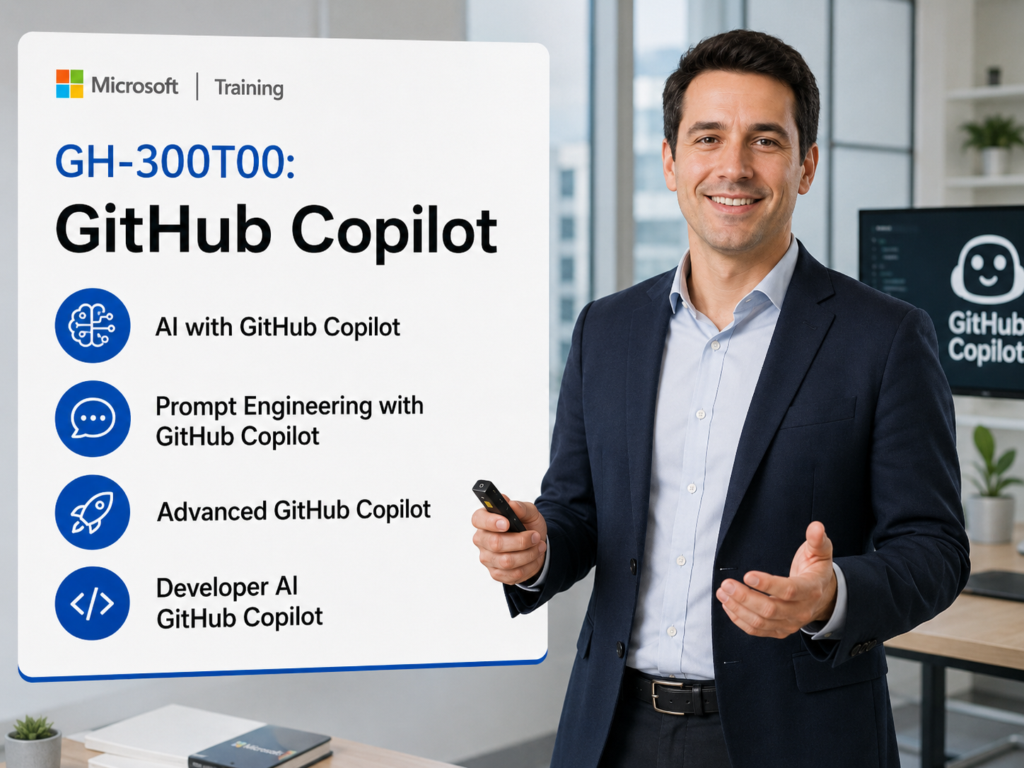
GH-300 GitHub Copilot
GH-300T00: GitHub Copilot is an instructor-led course for developers, programmers, software engineers, technical leads, and GitHub users who want to use GitHub Copilot effectively, responsibly, and securely.
Students learn how GitHub Copilot supports AI-assisted coding, prompt engineering, Copilot Chat, inline suggestions, code explanation, testing, documentation, refactoring, IDE workflows, JavaScript development, Python development, privacy controls, and responsible AI practices.
Certification: GitHub Copilot
Exam: GH-300: GitHub Copilot
Why choose Dynamics Edge for GH-300T00 training?
Dynamics Edge delivers GH-300 training with practical GitHub Copilot examples, hands-on exercises, certification review, and implementation-focused discussion. The course helps students understand how to use Copilot productively while managing code quality, privacy, security, and responsible AI concerns.
- Learn how GitHub Copilot supports code suggestions, chat, prompt engineering, testing, documentation, and developer productivity.
- Practice Copilot workflows in Visual Studio Code, GitHub Codespaces, JavaScript projects, and Python projects.
- Prepare for GH-300 certification objectives through structured course review and hands-on lab reinforcement.
- Understand Copilot data handling, privacy controls, content exclusions, public code filtering, and responsible AI safeguards.
- Request private team delivery for GitHub Copilot rollout, developer enablement, secure AI-assisted coding, or AI adoption governance.
What will you learn in GH-300T00 training?
Students learn how to use GitHub Copilot as an AI coding assistant across common development workflows. The course emphasizes effective prompting, responsible AI, code quality, developer productivity, privacy, troubleshooting, and practical hands-on use.
- Use GitHub Copilot inline suggestions, Copilot Chat, and IDE features to generate, explain, refactor, and document code.
- Apply prompt engineering principles to improve Copilot output.
- Use Copilot with JavaScript and Python projects in Visual Studio Code and GitHub Codespaces.
- Generate and improve unit tests, edge-case tests, and code review workflows.
- Configure Copilot plans, privacy settings, content exclusions, safeguards, and troubleshooting options.
GitHub Copilot GH-300 Course Outline
Module 1: Responsible AI with GitHub Copilot
Students learn how responsible AI principles apply to GitHub Copilot. They review ethical usage, AI limitations, potential harms, risk mitigation, validation requirements, and safe developer adoption practices.
Topics include:
- Understand responsible AI principles.
- Identify risks and limitations of generative AI tools.
- Validate AI-generated code before use.
- Apply ethical and responsible AI usage practices.
- Mitigate operational, legal, and quality risks.
Module 2: Introduction to GitHub Copilot
Students learn what GitHub Copilot is and how it supports developers through AI-powered code suggestions, chat, pull request assistance, and IDE integration.
Topics include:
- Describe GitHub Copilot and its developer use cases.
- Use inline code suggestions in supported IDEs.
- Use Copilot Chat for code-related questions.
- Configure Copilot access and extensions.
- Troubleshoot basic Copilot setup issues.
Module 3: Introduction to prompt engineering with GitHub Copilot
Students learn how prompt quality affects Copilot output. They review prompt engineering foundations, prompt process flow, context gathering, Copilot data handling, and large language model concepts.
Topics include:
- Define prompt engineering.
- Apply prompt engineering best practices.
- Use context to improve Copilot responses.
- Understand Copilot prompt and response flow.
- Review Copilot data handling and LLM limitations.
Module 4: Use advanced GitHub Copilot features
Students learn how advanced Copilot features help modify existing projects, generate API routes, document code, write tests, and interact with code using inline chat and slash commands.
Topics include:
- Use inline chat and chat commands.
- Apply selective context to improve results.
- Generate new API functionality.
- Create tests for generated code.
- Document and explain existing code.
Module 5: Use GitHub Copilot across IDE, Chat, and Command Line techniques
Students learn how Copilot works across developer environments. They review auto-suggestions, multiple suggestion panes, inline comments, block comments, docstrings, Copilot Chat, and command-line workflows.
Topics include:
- Use Copilot code completion.
- Use Copilot Chat for interactive assistance.
- Provide context through comments and docstrings.
- Use multiple suggestion options.
- Review Copilot command-line techniques.
Module 6: Management and customization considerations with GitHub Copilot
Students learn how Copilot is managed and customized for individuals and organizations. They review Copilot plans, public code filters, IP indemnity, content exclusions, and common troubleshooting scenarios.
Topics include:
- Compare Copilot Free, Pro, Business, and Enterprise.
- Review management and customization features.
- Disable suggestions that match public code.
- Manage content exclusions.
- Troubleshoot missing or incorrect suggestions.
Module 7: Developer use cases for AI with GitHub Copilot
Students learn how Copilot supports developer productivity throughout the software development lifecycle. They review documentation, refactoring, debugging, test generation, modernization, optimization, and learning support.
Topics include:
- Generate documentation and inline comments.
- Refactor and modernize code.
- Debug and explain code issues.
- Generate unit tests and edge cases.
- Measure productivity and quality impact.
Module 8: Develop unit tests by using GitHub Copilot tools
Students learn how to create unit tests with GitHub Copilot and Copilot Chat. They review test project setup, edge-case generation, xUnit testing, assertions, and test review.
Topics include:
- Create unit tests with Copilot Chat.
- Generate tests for specific conditions.
- Create test projects in Visual Studio Code.
- Generate edge-case and boundary-condition tests.
- Review and improve generated test solutions.
Module 9: Introduction to GitHub Copilot Business
Students learn how Copilot Business supports organizations with productivity, security, access control, and policy management. They review Business plan features and how organizations enable Copilot access.
Topics include:
- Compare Copilot Business and Copilot Pro.
- Review Copilot Business productivity use cases.
- Enable Copilot Business for selected users.
- Manage organization access.
- Review security and privacy features.
Module 10: Introduction to GitHub Copilot Enterprise
Students learn how Copilot Enterprise extends Copilot Business with enterprise-grade features. They review enterprise chat, pull request summaries, code review features, docset management, and organization-level controls.
Topics include:
- Describe Copilot Enterprise features.
- Compare Copilot Enterprise, Business, Pro, and Free.
- Use pull request summaries and code review features.
- Review docset management.
- Enable Copilot Enterprise for selected users.
Module 11: Use GitHub Copilot with JavaScript
Students learn how to use GitHub Copilot in a JavaScript project. They configure Codespaces, install Copilot, customize a portfolio app, add CSS animations, and improve JavaScript behavior with prompts.
Topics include:
- Configure a JavaScript repository in Codespaces.
- Install and verify GitHub Copilot.
- Customize a JavaScript portfolio project.
- Add CSS hover animations with Copilot.
- Customize scroll behavior with prompts.
Module 12: Use GitHub Copilot with Python
Students learn how to use GitHub Copilot in a Python web API project. They configure Codespaces, use live suggestions, create prompts, generate a FastAPI endpoint, and verify the endpoint.
Topics include:
- Configure a Python repository in Codespaces.
- Use Copilot suggestions in Visual Studio Code.
- Add a Pydantic model with prompts.
- Generate a FastAPI endpoint.
- Verify imports and test the API route.
Hands-on labs
The GH-300 labs support hands-on practice for GitHub Copilot users and teams. This single consolidated lab list is based on the exercise topics found in the GH-300 PowerPoint speaker notes and slides.
- Lab 1: Install GitHub Copilot by using GitHub Codespaces.
- Lab 2: Set up GitHub Copilot to work with Visual Studio Code.
- Lab 3: Verify Copilot access and enable Copilot Chat in the IDE.
- Lab 4: Prompt GitHub Copilot for AI-powered code suggestions.
- Lab 5: Accept, reject, and cycle through Copilot code suggestions.
- Lab 6: Apply prompt engineering principles to improve generated code.
- Lab 7: Use inline chat, slash commands, and selected context to modify code.
- Lab 8: Generate a new API route with GitHub Copilot.
- Lab 9: Write a test to verify Copilot-generated API functionality.
- Lab 10: Use Copilot to document and explain existing code.
- Lab 11: Use Copilot Chat to refactor and debug code.
- Lab 12: Create unit tests by using GitHub Copilot Chat.
- Lab 13: Create unit tests for edge cases and boundary conditions.
- Lab 14: Complete a unit-test challenge for a sample bank account application.
- Lab 15: Review and improve the generated unit-test solution.
- Lab 16: Configure a GitHub repository in Codespaces for a JavaScript project.
- Lab 17: Update a JavaScript portfolio with Copilot-generated CSS animations.
- Lab 18: Use prompts to customize JavaScript scroll behavior.
- Lab 19: Configure a Python web API project in Codespaces with Copilot.
- Lab 20: Update a Python web API with a Pydantic model, FastAPI endpoint, required imports, and endpoint verification.
Certification alignment
This course supports preparation for Exam GH-300: GitHub Copilot. The exam validates the ability to use GitHub Copilot responsibly, use Copilot features, understand Copilot data and architecture, apply prompt engineering, improve developer productivity, and configure privacy, content exclusions, and safeguards.
GH-300 skills measured
- Use GitHub Copilot responsibly.
- Use GitHub Copilot features.
- Understand GitHub Copilot data and architecture.
- Apply prompt engineering and context crafting.
- Improve developer productivity with GitHub Copilot.
- Configure privacy, content exclusions, and safeguards.
Course review
Students should leave the course able to use GitHub Copilot in practical development workflows. The course review should reinforce responsible AI, Copilot setup, inline suggestions, Copilot Chat, prompt engineering, advanced Copilot features, unit test generation, JavaScript development, Python development, privacy controls, content exclusions, and troubleshooting.
Certification exam review
Exam review should focus on responsible AI, Copilot product features, prompt engineering, data handling, privacy, safeguards, and developer productivity scenarios. Priority review areas should include Copilot Chat, inline suggestions, CLI concepts, Plan Mode, Agent Mode, Edit Mode, MCP concepts, prompt context, zero-shot and few-shot prompting, code review support, PR summaries, public code filtering, duplication detection, content exclusions, security warnings, unit-test generation, edge-case testing, and Copilot plan differences.
Question About this Course?
Need help picking the right course?
Call Now