

Reserve Your Seat
- Virtual instructor Led Training
- Complete Hands-on Labs
- Softcopy of Courseware
- Learning Labs
- Virtual instructor Led Training
- Complete Hands-on Labs
- Softcopy of Courseware
- Learning Labs
- You can use your Purchase Card and checkout
- The GSA Contract Number: 47QTCA20D000D
- Call 800-453-5961 for details
- Customize your class
- Delivery Onsite or Online for your organization
- Choice of Dates when and where you want
- Guidance in choosing and customizing your class
Question About this Course?
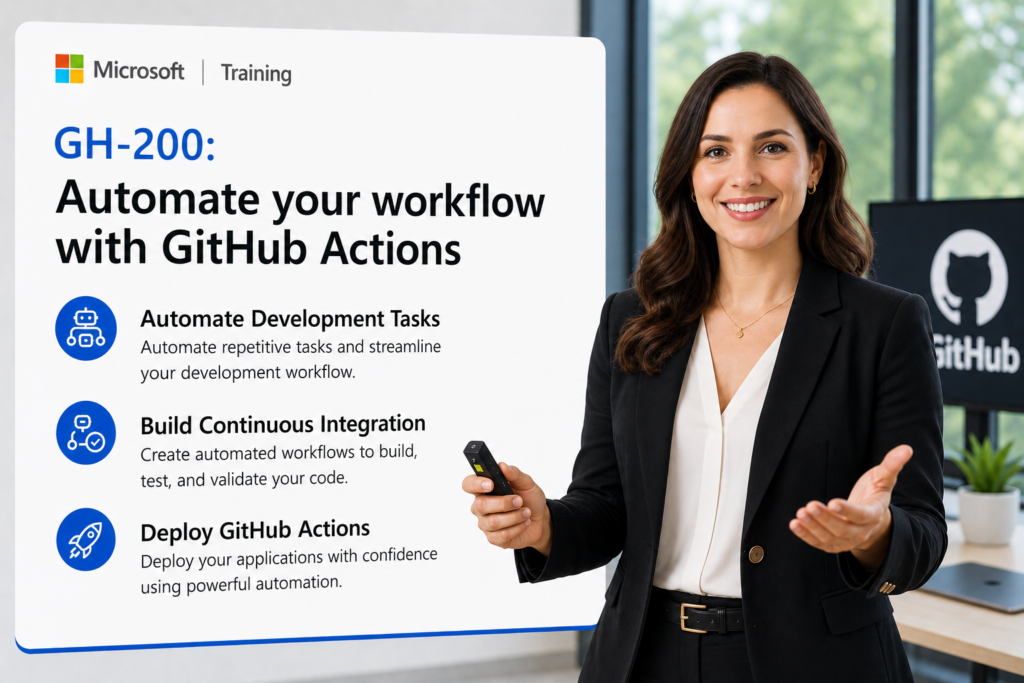
GH-200: Automate your workflow with GitHub Actions
GH-200T00: Automate your workflow with GitHub Actions is an instructor-led GitHub course for administrators, DevOps engineers, developers, and IT professionals who want to automate build, test, deployment, packaging, and operational tasks by using GitHub Actions.
Students learn how to create workflows, configure triggers, use jobs and steps, manage artifacts, deploy applications, use GitHub Script, publish packages, create custom actions, manage runners, configure secrets, and apply secure automation practices.
Certification: GitHub Actions
Exam: GH-200: GitHub Actions
Why choose Dynamics Edge for GH-200T00 training?
Dynamics Edge delivers GH-200 training with practical GitHub Actions examples, hands-on exercises, certification review, and implementation-focused discussion. The course helps students understand how to build reliable, reusable, secure, and enterprise-ready automation with GitHub Actions.
- Learn how GitHub Actions automates CI/CD, testing, deployment, package publishing, and operational workflows.
- Practice workflow authoring with YAML, triggers, jobs, steps, contexts, expressions, secrets, variables, and artifacts.
- Prepare for GH-200 exam objectives through structured review and hands-on lab reinforcement.
- Understand how to create custom actions, use GitHub Script, manage runners, and publish to GitHub Packages.
- Request private team delivery for DevOps adoption, GitHub Actions rollout, CI/CD modernization, secure workflow design, or administrator onboarding.
What will you learn in GH-200T00 training?
Students learn how to automate software delivery and repository operations by using GitHub Actions. The course emphasizes workflow design, CI/CD, deployment, GitHub Script, GitHub Packages, custom actions, enterprise governance, and secure automation.
- Create and manage GitHub Actions workflows with triggers, jobs, steps, conditions, matrices, artifacts, outputs, and environment variables.
- Build CI workflows that compile, test, debug, and validate applications.
- Deploy applications to Azure by using GitHub Actions, environment protections, secrets, and deployment workflows.
- Automate GitHub tasks by using GitHub Script, Octokit, expressions, and API calls.
- Manage enterprise-scale Actions with reusable workflows, custom actions, runners, repository secrets, organization policies, and secure automation patterns.
GitHub Actions GH-200 Course Outline
Module 1: Automate development tasks by using GitHub Actions
Students learn how GitHub Actions automates development tasks and how workflows are structured. They review action types, workflow YAML, CI/CD design, infrastructure as code automation, and basic workflow execution.
Topics include:
- Identify GitHub Action types and where to find them.
- Break down workflow YAML components.
- Configure workflow triggers, jobs, steps, and actions.
- Design CI/CD and infrastructure as code automation strategies.
- Create and run a basic GitHub Actions workflow.
Module 2: Build continuous integration workflows by using GitHub Actions
Students learn how to build and test applications by using CI workflows. They review templated workflows, build automation, test execution, workflow logs, artifacts, environment variables, and troubleshooting.
Topics include:
- Build and test a Node.js project with GitHub Actions.
- Create a CI workflow from a template.
- Debug failed tests by using workflow logs.
- Customize workflows with environment variables.
- Upload and download artifacts between workflow steps.
Module 3: Build and deploy applications to Azure by using GitHub Actions
Students learn how GitHub Actions supports continuous delivery to Azure. They review deployment triggers, environment protections, deployment credentials, job conditionals, artifacts, and Azure deployment actions.
Topics include:
- Identify options for triggering continuous delivery workflows.
- Deploy applications to Azure by using GitHub Actions.
- Store deployment credentials by using GitHub Secrets.
- Configure environment protections and status badges.
- Create and destroy Azure resources from workflows.
Module 4: Automate GitHub by using GitHub Script
Students learn how GitHub Script enables workflow automation through GitHub API calls. They use Octokit, workflow expressions, issue comments, project updates, and conditional job execution.
Topics include:
- Use GitHub Script in a workflow.
- Comment on issues by using Octokit.
- Add issues to a project board by using Octokit.
- Use workflow expression syntax to filter jobs.
- Automate repository tasks through GitHub API calls.
Module 5: Leverage GitHub Actions to publish to GitHub Packages
Students learn how GitHub Packages supports automated package and container publishing. They configure CI workflows that authenticate, build, publish, install, and manage packages.
Topics include:
- Describe package repositories and GitHub Packages.
- Publish packages and containers from GitHub Actions.
- Authenticate to package registries.
- Configure CI workflows for package publishing.
- Manage code packages and GitHub Container Registry.
Module 6: Create and publish custom GitHub actions
Students learn how to create reusable custom actions. They review Docker container actions, JavaScript actions, composite actions, action metadata, local testing, troubleshooting, documentation, versioning, and publishing to GitHub Marketplace.
Topics include:
- Compare Docker, JavaScript, and composite actions.
- Create action.yml metadata for a custom action.
- Build and test a custom JavaScript action.
- Troubleshoot JavaScript and Docker container actions.
- Document, version, release, and publish custom actions.
Module 7: Manage GitHub Actions in the enterprise
Students learn how GitHub Actions is managed across organizations and enterprises. They review enterprise models, workflow policies, reusable components, runners, self-hosted runners, encrypted secrets, variables, and access controls.
Topics include:
- Manage actions and workflows at organization and enterprise levels.
- Control access and allowed actions in the enterprise.
- Manage reusable workflows, templates, and components.
- Configure GitHub-hosted and self-hosted runners.
- Manage repository, organization, and environment secrets.
Hands-on labs
The GH-200 labs support hands-on practice for GitHub Actions automation. This single consolidated lab list is based on the exercise topics found in the GH-200 PowerPoint speaker notes and slides, combined with the current GH-200 exam objectives.
- Lab 1: Create and run a basic GitHub Actions workflow.
- Lab 2: Configure workflow triggers for push, pull request, schedule, and manual dispatch events.
- Lab 3: Define jobs, steps, actions, environment variables, and workflow commands.
- Lab 4: Create a CI workflow for a Node.js project.
- Lab 5: Debug a failed CI test by using GitHub Actions logs.
- Lab 6: Customize a workflow with artifact upload, artifact download, and artifact retention.
- Lab 7: Use job outputs, environment files, and dependency logic between jobs.
- Lab 8: Create a workflow that deploys a web app to Azure.
- Lab 9: Store deployment credentials by using GitHub Secrets.
- Lab 10: Configure environment protections, deployment approvals, and workflow status badges.
- Lab 11: Use job conditionals and expressions to control workflow execution.
- Lab 12: Create and remove workflow artifacts during deployment automation.
- Lab 13: Use GitHub Script in a GitHub Actions workflow.
- Lab 14: Use Octokit to comment on issues from a workflow.
- Lab 15: Use Octokit to add issues to a project board or update repository metadata.
- Lab 16: Publish a package to a GitHub Packages registry.
- Lab 17: Publish a container image to GitHub Container Registry.
- Lab 18: Create a custom JavaScript GitHub Action.
- Lab 19: Troubleshoot custom JavaScript and Docker container actions with debug logs.
- Lab 20: Use repository secrets in a GitHub Actions workflow and manage enterprise runner/secrets settings.
Certification alignment
This course supports preparation for Exam GH-200: GitHub Actions. The exam validates the ability to author and manage workflows, consume and troubleshoot workflows, author and maintain actions, manage GitHub Actions for the enterprise, and secure and optimize automation.
GH-200 skills measured
- Author and manage workflows.
- Consume and troubleshoot workflows.
- Author and maintain actions.
- Manage GitHub Actions for the enterprise.
- Secure and optimize automation.
Course review
Students should leave the course able to design, build, troubleshoot, secure, and manage GitHub Actions workflows. The course review should reinforce workflow syntax, triggers, jobs, steps, matrices, contexts, expressions, artifacts, logs, custom actions, GitHub Script, GitHub Packages, secrets, variables, runners, reusable workflows, and enterprise policies.
Certification exam review
Exam review should focus on scenario-based workflow design, troubleshooting, action creation, enterprise management, and secure automation. Priority review areas should include workflow_dispatch, workflow_call, job dependencies, matrix strategies, contexts, expressions, artifacts, logs, reusable workflows, composite actions, JavaScript actions, Docker actions, action.yml metadata, GitHub Packages, GitHub Script, secrets, variables, self-hosted runners, environment protections, GITHUB_TOKEN permissions, OIDC, action pinning, and workflow optimization.
Question About this Course?
Need help picking the right course?
Call Now