

In X++ programming for D365FO, an if statement evaluates a Boolean expression and executes a block when it’s true. For more info, consider Dynamics Edge MB-500 X++ training for developers.
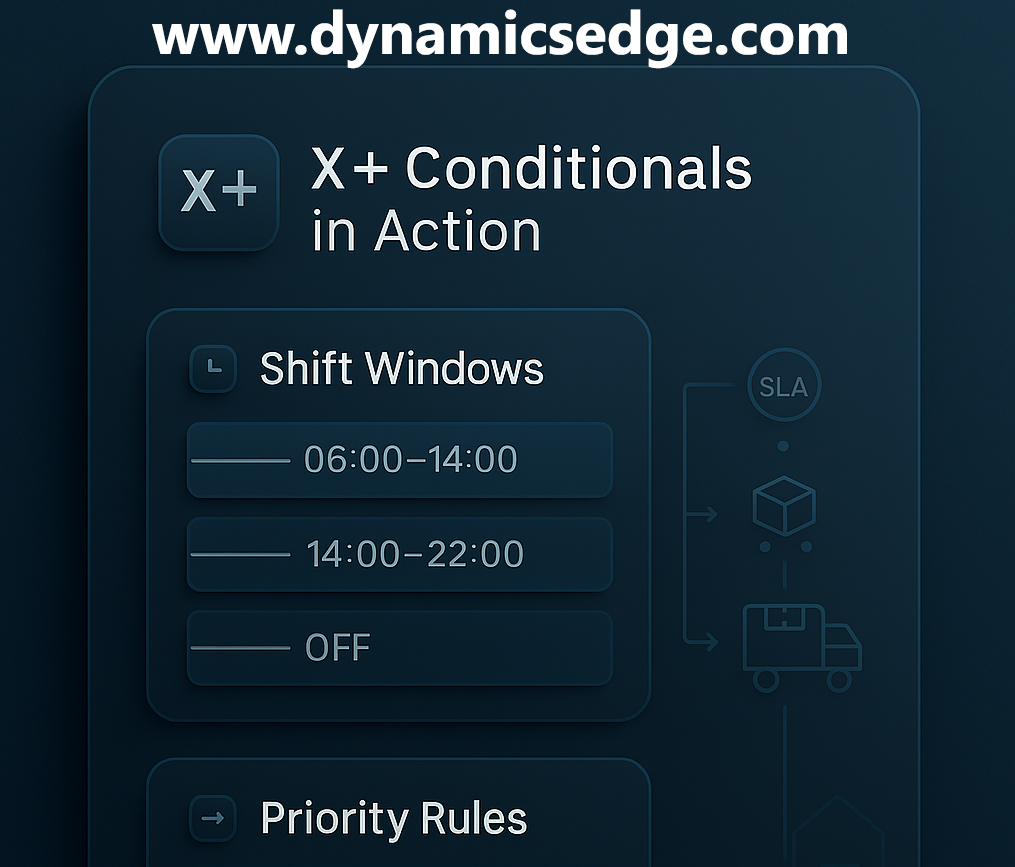
The basic form to know what is x++ if statement to know in November 2025 and beyond is if (<condition>) { /* statements */ }. You can chain decisions with else if (<condition>) { ... } and provide a final fallback using else { ... }. Conditions are typically comparisons (==, !=, <, >, <=, >=) or logical combinations with && and ||. Parentheses are required around the condition; braces are strongly recommended even for single statements (helps you be more sure that later edits don’t introduce dangling logic).
X++ also supports the ternary conditional operator as shown in our March 2025 guide <condition> ? <valueIfTrue> : <valueIfFalse>. It’s an expression (not a statement), so you use it where a value is expected—assignments, parameters, or return values. Keep ternaries short and readable; if you’re stacking them or doing side effects, switch back to a regular if/else for clarity. A handy pattern is selecting labels, fees, or priority flags inline when building records or DTOs.
Below are quick syntax mini-snippets, then a practical Retail & Warehousing example (wave-picking with shift windows). The sample shows how you might prioritize an outbound work line based on carrier SLA, cube/weight thresholds, and shift cutoffs.
// Basic if / else if / else in X++
boolean isPriority = false;
if (custTable.CreditMax < 0)
{
    // blocked account
    isPriority = false;
}
else if (salesTable.DlvMode == 'EXPRESS' && salesTable.DlvDate <= today())
{
    isPriority = true;
}
else
{
    isPriority = salesTable.AmountCur > 1000;
}
// Ternary operator in X++
SalesId salesId = salesTable.SalesId;
str     badge   = (salesTable.DlvMode == 'EXPRESS') ? "EXP" : "STD";
int     pickQty = (inventSum.availPhysical() > 0)   ? salesLine.RemainSalesPhysical : 0;
Scenario example: prioritize wave picks by SLA and shift windows
Imagine a batch that tags each load line with a priority code before wave release. We’ll (1) compute the active shift from the current time, (2) check carrier SLA vs. cutoff, (3) bump priority if cube/weight exceeds thresholds, and (4) fall back to standard. (This is illustrative—wire into your WHS policies, load planning service, or pre-wave event handlers in your solution.)
// Utility to map current time to a shift window (e.g., 06:00–14:00, 14:00–22:00)
public static str currentShiftLabel(utcdatetime nowUtc, TimeZone tz)
{
    utcdatetime loc = DateTimeUtil::applyTimeZoneOffset(nowUtc, tz);
    timeOfDay      t = DateTimeUtil::time(loc);

    // 06:00–13:59 -> "S1", 14:00–21:59 -> "S2", else -> "OFF"
    return (t >= str2Time("06:00:00") && t < str2Time("14:00:00")) ? "S1" :
           (t >= str2Time("14:00:00") && t < str2Time("22:00:00")) ? "S2" : "OFF";
}
// Example decision block used in a pre-wave hook or a SysOperation service
private void assignPriorityForLoadLine(WHLoadLine loadLine, CarrierSla carrierSla, TimeZone tz)
{
    str shift = currentShiftLabel(DateTimeUtil::utcNow(), tz);
    int priority;

    // Base rules
    if (carrierSla.Mode == 'EXPRESS' && this.isBeforeCutoff(carrierSla, shift))
    {
        priority = 100; // highest
    }
    else if (loadLine.CubeM3 >= 1.0 || loadLine.WeightKg >= 50)
    {
        priority = 80;  // heavy/bulky
    }
    else if (shift == "S1" && this.isStorePickup(loadLine))
    {
        priority = 70;  // early store pickup focus
    }
    else
    {
        priority = 50;  // standard
    }

    // Inline ternary tweak: small bump if due today, else no bump
    priority += (DateTimeUtil::date(DateTimeUtil::utcNow()) == loadLine.RequestedShipDate) ? 5 : 0;

    loadLine.PriorityCode = priority;
    loadLine.doUpdate(); // or buffer logic as appropriate
}
// Helper examples
private boolean isBeforeCutoff(CarrierSla sla, str shift)
{
    // Pretend we keep different cutoffs by shift
    // e.g., EXPRESS must be released 45 min before truck leaves
    // Simple demo rule:
    if (shift == "S1")
        return true;
    else if (shift == "S2")
        return sla.HasLateTruck; // allow late window only if carrier declared it
    else
        return false;
}

private boolean isStorePickup(WHLoadLine loadLine)
{
    return (loadLine.DeliveryMode == 'PICKUP');
}
In practice, you’d situate this decision in an extension point (e.g., a pre-wave release event or a custom batch that marks lines before wave templates run). The if / else if / else chain makes the branching intent easy to follow, while the ternary offers a compact “bonus” rule without clutter. Start with readable, single-purpose helpers (like currentShiftLabel and isBeforeCutoff) so your future self—and your team—can adjust thresholds, windows, and SLAs without touching core flow logic.
Have a Question ?
Fill out this short form, one of our Experts will contact you soon.
Talk to an Expert Today
Call Now