

Accurate time tracking is one of the most critical aspects of warehouse management in Dynamics 365 Finance and Operations. Every work line, load, and shipment is stamped with a utcDateTime, creating a detailed trail of operational events. For this you need to understand x++ DateTimeUtil and especially check out DateTimeUtil::newDateTime for how to do your time tracking in D365FO
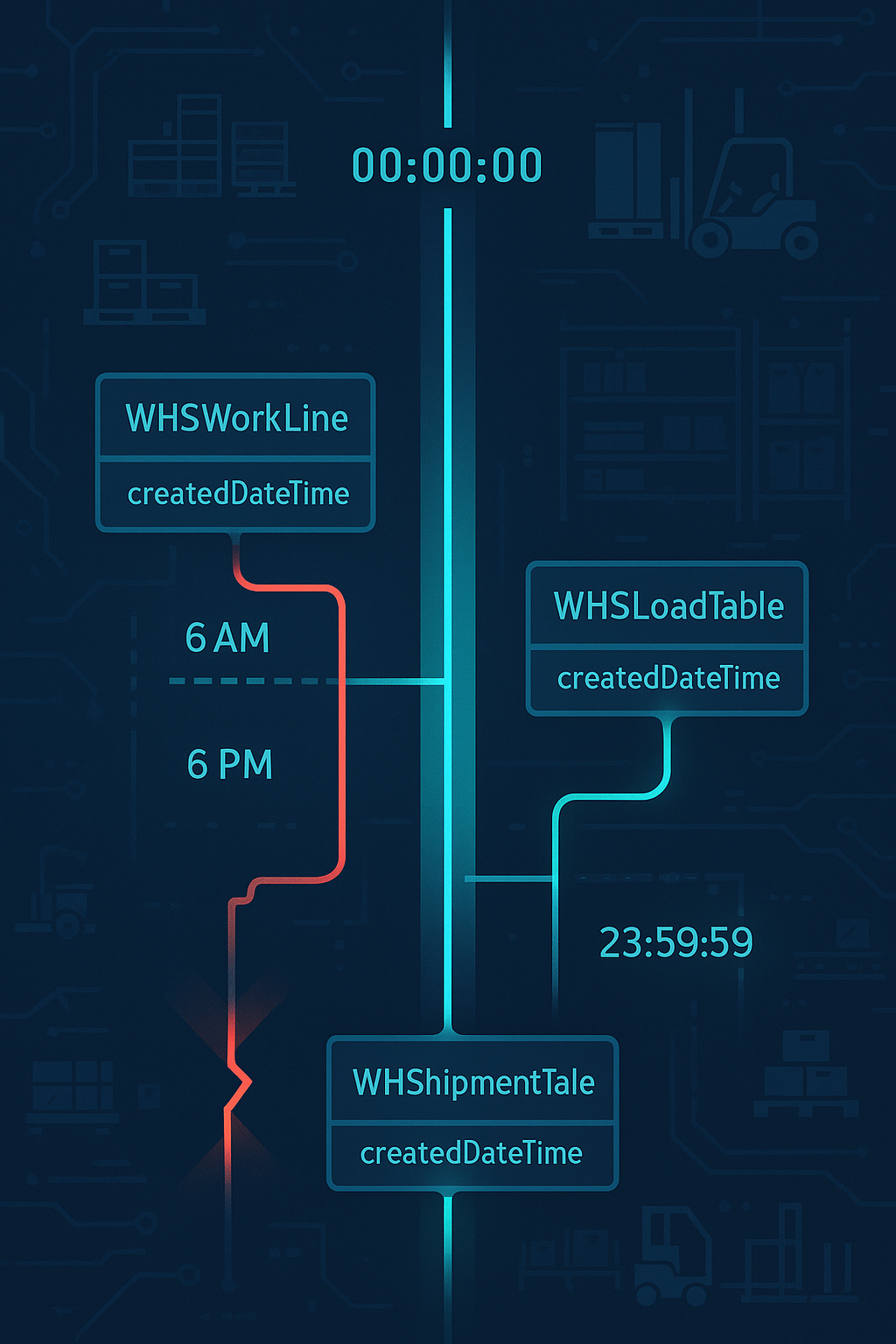
For developers and analysts, the challenge lies in transforming user-friendly dates into precise UTC boundaries that align with business logic. By leveraging the DateTimeUtil::newDateTime method, you can bridge this gap, making sure that warehouse data queries capture exactly the periods you intend to analyze.
Working with Dates and utcDateTime in Warehousing Scenarios
In warehouse management modules, many operational tables such as WHSWorkLine, WHSLoadTable, and WHSShipmentTable use utcDateTime fields like createdDateTime or modifiedDateTime to track when records were generated. To query these effectively, you often need to convert a plain Date into a full utcDateTime so you can filter by specific days or ranges.
Suppose you want to pull all warehouse work lines created on September 22, 2025. You can use DateTimeUtil::newDateTime to construct the start and end boundaries of the day in UTC format:
date startDate   = 09\22\2025;
date endDate     = 09\22\2025;
utcDateTime utcStartDate,
            utcEndDate;
WHSWorkLine workLine;

utcStartDate = DateTimeUtil::newDateTime(startDate, 0);        // 00:00:00
utcEndDate   = DateTimeUtil::newDateTime(endDate, 86399);      // 23:59:59

while select count(RecId) from workLine
    where workLine.CreatedDateTime >= utcStartDate &&
          workLine.CreatedDateTime <= utcEndDate
{
    info(strFmt("Work lines created on %1: %2", startDate, workLine.RecId));
}
This pattern is useful when warehouse managers want daily counts of work created for a specific date, such as monitoring inbound receipts or outbound picking work generated in the system.
Adjusting for Relative Dates
Sometimes you need to compare today’s warehouse activity with yesterday’s, or calculate rolling windows of time. DateTimeUtil makes this easy by letting you add or subtract days and seconds from a given utcDateTime:
utcDateTime todayUtc    = DateTimeUtil::utcNow();
utcDateTime yesterdayUtc = DateTimeUtil::addDays(todayUtc, -1);
yesterdayUtc = DateTimeUtil::addSeconds(yesterdayUtc, 1);

info(strFmt("Now: %1", todayUtc));
info(strFmt("Start of yesterday: %1", yesterdayUtc));
In a warehousing context, you could use this logic to pull all loads or shipments confirmed in the last 24 hours, giving supervisors real-time visibility into processing volumes.
Converting Numeric Values to Time of Day
In warehouse operations, certain KPIs rely on measuring activity at particular times—for example, counting how many shipments were confirmed between 6 AM and 2 PM. You can use numeric values representing seconds since midnight and convert them to readable times, or feed them into newDateTime directly:
int startTime = 6 * 3600;   // 6 AM
int endTime   = 14 * 3600;  // 2 PM

utcDateTime windowStart = DateTimeUtil::newDateTime(systemDateGet(), startTime);
utcDateTime windowEnd   = DateTimeUtil::newDateTime(systemDateGet(), endTime);

info(strFmt("Window start: %1", windowStart));
info(strFmt("Window end: %1", windowEnd));
With this approach, you can easily filter warehouse records such as WHSShipmentTable.ConfirmedDateTime to see how much work was processed during core operating hours.
The Lesson
In warehousing, timing is everything. Whether measuring daily throughput, comparing yesterday’s work to today’s, or filtering shipments by shift, DateTimeUtil::newDateTime gives developers the ability to combine dates and times into precise utcDateTime ranges. The method’s flexibility is powerful, but it requires careful handling of boundaries (0 vs. 86399 seconds), timezone awareness, and consistency across queries. Used correctly, it anchors warehouse reporting and ensures that operational data reflects the reality on the floor.
Have a Question ?
Fill out this short form, one of our Experts will contact you soon.
Talk to an Expert Today
Call Now