

Picture how your point-of-sale or e-commerce system producing many orders per hour. Your flow will pull those orders, create or update a SharePoint list item for each one, and optionally drop a PDF invoice into a SharePoint document library. The secret to avoiding 429 is to keep the number of simultaneous requests modest, bundle work where you can, and automatically pause and retry when SharePoint says “Too Many Requests.”
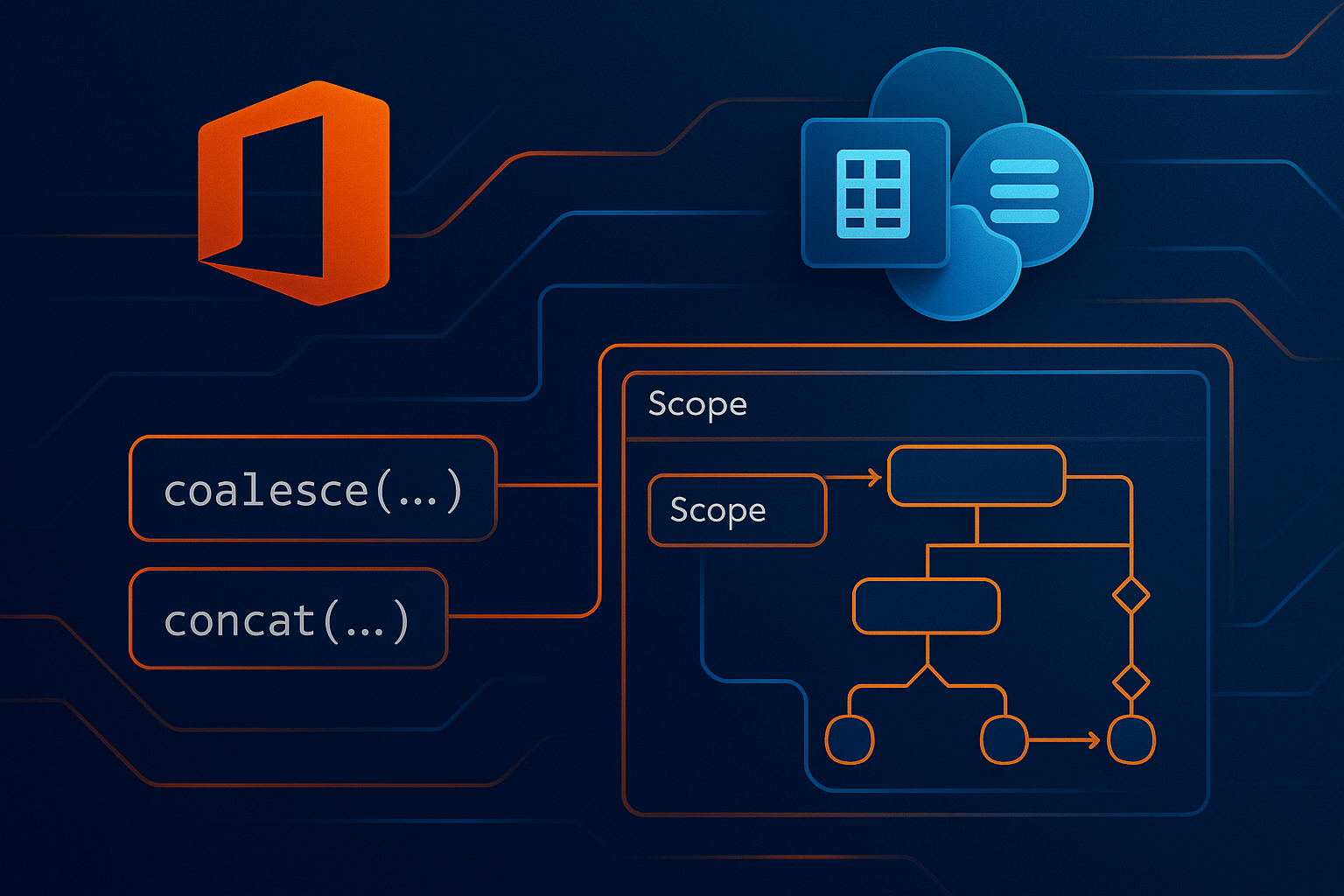
Start by creating your trigger. If you already have an API or queue, use a Recurrence trigger followed by whatever connector you use to fetch a page or batch of orders. Put those orders into an “Apply to each.” Open the settings of that loop and enable Concurrency Control. Pick a small degree of parallelism to start—two to five is a safe beginner range. This means only a few orders are processed at the same time, which keeps the request burst low and makes throttling much less likely.
Inside the loop, place your main work inside a Scope called “Do work.” If you’re comfortable with the “Send an HTTP request to SharePoint” action, consider using REST $batch to combine multiple operations for the same order in one call, such as creating the list item, setting metadata, and performing a follow-up update. If $batch feels advanced right now, it’s fine to keep a few regular SharePoint actions; the throttling protection pattern you’re about to add will still help.
Now wire in graceful handling for 429. Add a second Scope called “On 429/503” and set it to run after the “Do work” Scope when it fails. In that error-handling scope, first read SharePoint’s recommended wait time from the response header. Create a Compose action named “retryAfterSeconds” and paste this expression into it exactly as shown:
int(coalesce(outputs('Send_an_HTTP_request_to_SharePoint')?['headers']?['Retry-After'], 10))
This pulls the Retry-After value if it’s present; if not, it uses ten seconds as a safe default. Next, add a Delay action and drive it from the compose value using this ISO-8601 duration expression:
concat('PT', outputs('Compose (retryAfterSeconds)'), 'S')
This tells the flow to pause for the number of seconds SharePoint suggested. After the delay, try the same work again—either call the same HTTP $batch request, or rerun the few SharePoint actions that failed. If you want to be extra careful, add a simple exponential backoff by keeping a number variable for “backoffSeconds,” doubling it on each failure and capping it at something like two minutes, then using that value to drive the Delay for subsequent retries. The combination of honoring Retry-After and slowly increasing wait time makes recovery fast when load is brief and gentle when the service is truly busy.
If your scenario needs parallel branches—for example, one branch writes the order’s list item while a second branch uploads the invoice PDF—add a “Parallel branch” after your order is loaded. Put Branch A (list item work) and Branch B (file upload work) side by side, and for any loop you place in either branch, open its settings and turn on Concurrency Control with low numbers. This still lets you process multiple orders at once, but each branch stays calm, and both branches can reuse the same “Do work” and “On 429/503” pattern. If you notice 429s in your run history, reduce the parallelism numbers a little and try again; if your runs never show throttling and you need more speed, increase them gradually.
To make this concrete in a retail integration: the flow triggers every minute, fetches the next page of unprocessed orders, and enters the loop. For each order, Branch A creates or updates a SharePoint list item with the order ID, customer, totals, and status. Branch B takes a generated invoice PDF and uploads it to a document library path like “/Invoices/2025/10/” with the order ID in the file name. Each branch performs its work inside a “Do work” Scope that either calls a single $batch request or a small sequence of SharePoint actions. When a 429 happens, the branch’s “On 429/503” Scope reads the server’s Retry-After, pauses using the exact expressions above, and retries once or twice. If a branch still can’t proceed without constant throttling, the flow naturally slows itself down by waiting longer, and your run history will show clean retries rather than long chains of red failures.
When you test, start with a small set of orders and watch the run history for two things: how often you see 429 in failed attempts, and how long your delays end up being. If you notice frequent backoffs, lower the loop’s degree of parallelism or move more sub-steps into a single $batch call. If you see no throttling at all and your processing is comfortably within your time window, you can try nudging parallelism up one notch at a time. The goal is a steady, smooth stream of requests rather than bursts. With this pattern—modest concurrency, batch where possible, and polite backoff using the Retry-After value—you’ll have a resilient “Retail orders → SharePoint lists/files” flow that stays friendly to SharePoint while still keeping up with your business data.
Have a Question ?
Fill out this short form, one of our Experts will contact you soon.
Talk to an Expert Today
Call Now