

Dynamics 365 is Microsoft’s cloud suite of business apps that connect everyday operations—finance, supply chain, sales, service—on a shared data platform. Within that family, Microsoft Dynamics 365 Finance and Operations (FinOps) Functional Consultant Training November 2025 refers to training Nov 2025 and beyond including into 2026 on the ERP workloads used by midsize and enterprise organizations to manage core financials, procurement, inventory, production, and related processes.
Go far beyond Microsoft Learn self study with Dynamics Edge, because whether a new developer or a seasoned one, please think of quality Instructor Led FinOps Microsoft MB-310 training November 2025 with Dynamics Edge as the fast track right place where you learn how business rules become real: postings create vouchers, approvals turn into workflow steps, and data flows into analytics.
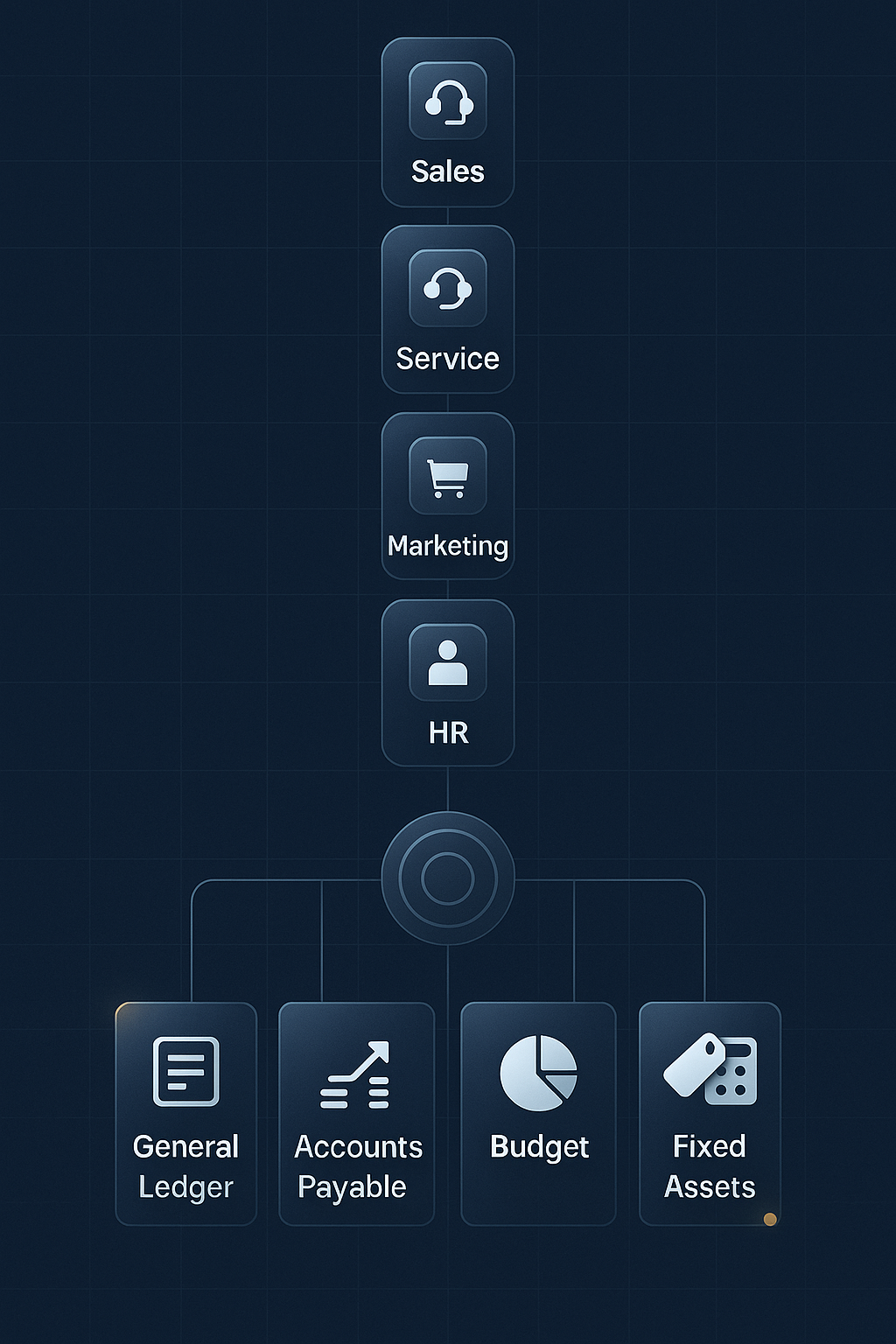
Your goal for November 2025 and beyond that is to learn how the platform is put together and how to extend it safely—always in partnership with the functional track that MB-310 covers.
Start with the big picture and architecture before writing code. Learn how environments fit together (developer sandboxes through production), what Lifecycle Services (LCS) does for project setup and deployments, and how models/packages organize application artifacts. Spend hands-on time navigating the product—workspaces, legal entities, posting parameters, and security roles—so you share a common vocabulary with functional teammates working through MB-310 topics like General Ledger, Accounts Payable/Receivable, Budgeting, and Fixed Assets. This context makes your future extensions purposeful instead of guesswork.
Next, build a foundation in X++ (for more, refer to our X++ MB-500 training for developers) and the FinOps toolchain. In the FinOps-enabled Visual Studio, create small, focused artifacts: a table with relations and indexes, a form with a data source, and a class that contains your business logic. From day one, favor extensions over overlayering. Practice event handlers (pre/post) and chain-of-command (CoC) to adjust behavior without breaking upgradability. Learn where validations and calculations belong, and introduce the SysOperation framework for batchable jobs. Keep labs tiny and realistic: add a field via a form extension, validate user input in an event handler, and log a message during a posting flow so you can see your changes in action.
Then connect your code to data, integrations, and tests. Use Data Management (DMF) and data entities to import/export reference and transactional data; script a small migration and confirm the results in the UI. Explore OData for near-real-time CRUD scenarios and custom services when you need a strongly defined API surface. Begin testing early with SysTest unit tests around your domain logic, and sketch a simple “definition of done” checklist—compiles, unit tests pass, behavior confirmed in the UI, and basic diagnostics captured—so each change is verifiable and repeatable.
Wrap up with ALM and deployment readiness. Learn how Azure DevOps supports repos/branching, build pipelines, and deployable packages, and how those packages move through LCS between environments. Add lightweight performance habits (set-based queries, sensible caching, avoiding long transactions) and keep a basic support runbook (where to look for logs, how to flip diagnostic settings, what telemetry to capture). By the end, your developer view lines up with MB-310’s functional map: you’ll know where Finance features live, how to extend them safely, how to move data in and out, and how to package and release changes without disrupting operations. (Historical note: the older “core” exam MB-300 training was retired in 2024; it’s useful only for vocabulary and context—your study focus should be the Finance workload aligned to MB-310)
Have a Question ?
Fill out this short form, one of our Experts will contact you soon.
Call Us Today For Your Free Consultation
Call Now